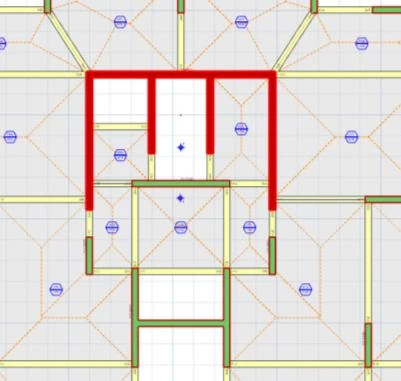
The BIM (Building Information Model) ribbon contains import & export functions for model, drawings, document and analysis software links.
IFC Import
We keep our commitment to continuously develop our IFC import and export links. We have continued fine-tuning our IFC support with wide range of models we received from our users.
IFC 2×3 Coordination View data can be imported into ProtaStructure. Supported member types are
column, shearwall, beam, slab, mat foundation, pad footing, pile, and frame members.
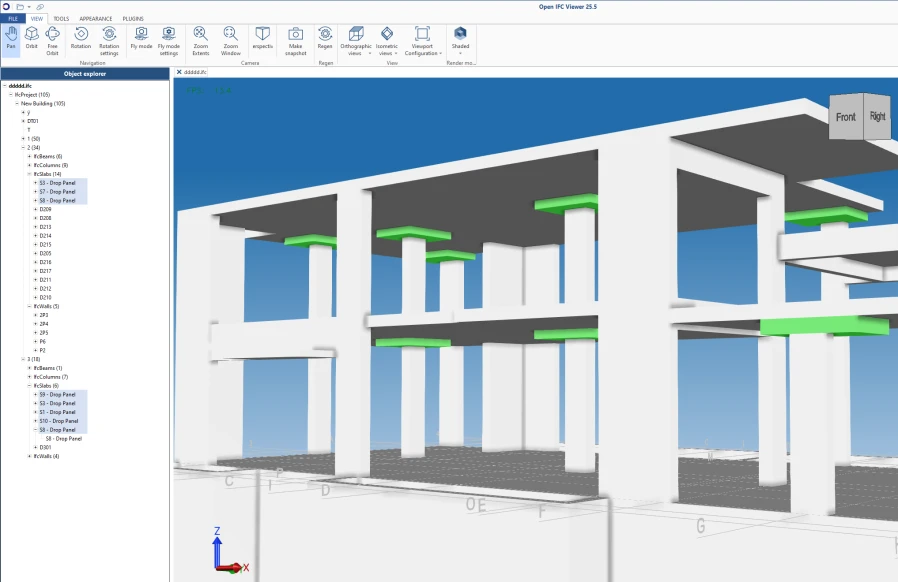
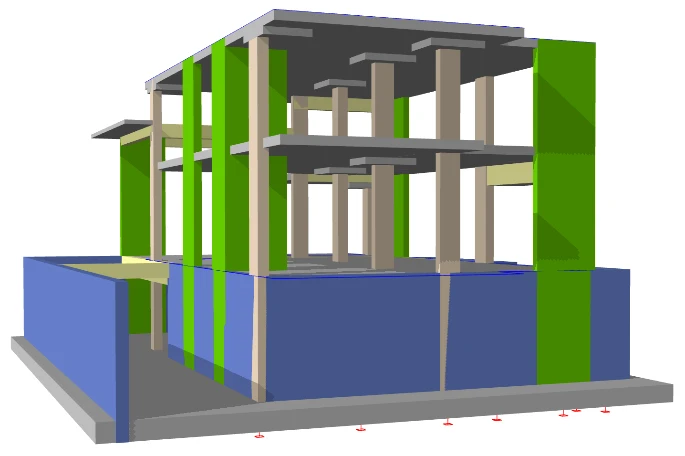
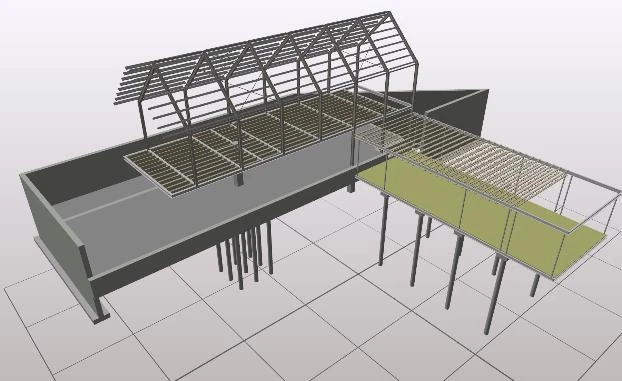
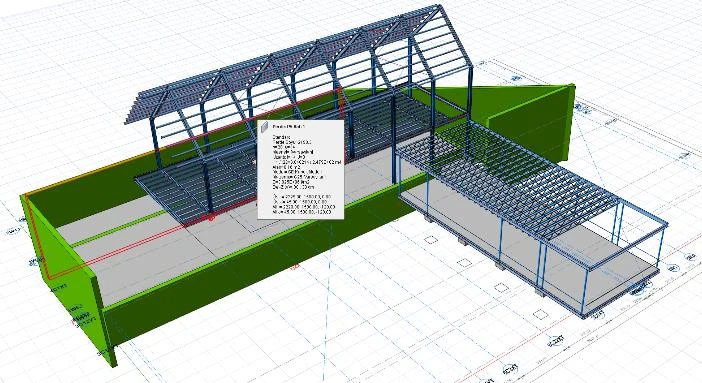
Figure above : IFC model Figure above : ProtaStructure Model
IFC Export
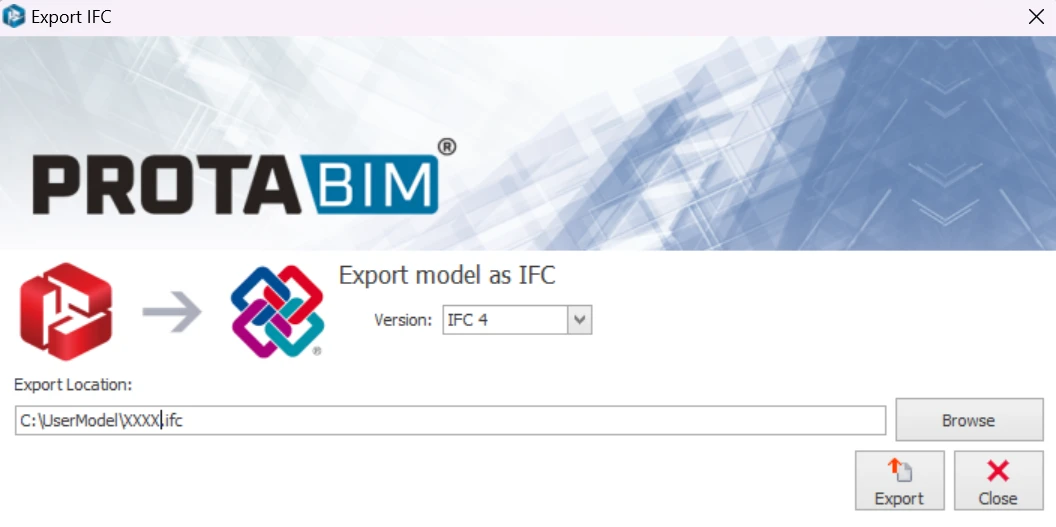
The Export IFC File will export existing ProtaStructure model to IFC file, which can then be opened by any other BIM software.
Figure above : Choose Version from drop down menu
Figure above : IFC model
Figure above : ProtaStructure Model
DXF Import
Three options are available for DXF import into ProtaStructure which can be accessed from the
DXF Import Type dropdown :
1. Floor Plan (a pre-defined structural floor-plan for example)
2. 3D Physical Model
3. 3D Analytical Model

Please note that member definitions usually vary significantly from one software to another.
ProtaStructure uses grid systems to be able to create a high-precision structural model out of physical
members for analysis, design, and detailing purposes. Since DXF is not a data-rich format, its not always
possible to capture all the modeling information such as connectivity and grid relations, sections, and
eccentricities. We generate these from the primitive data read from the file. However, you may have to
edit and refine information further once you have it in ProtaStructure.
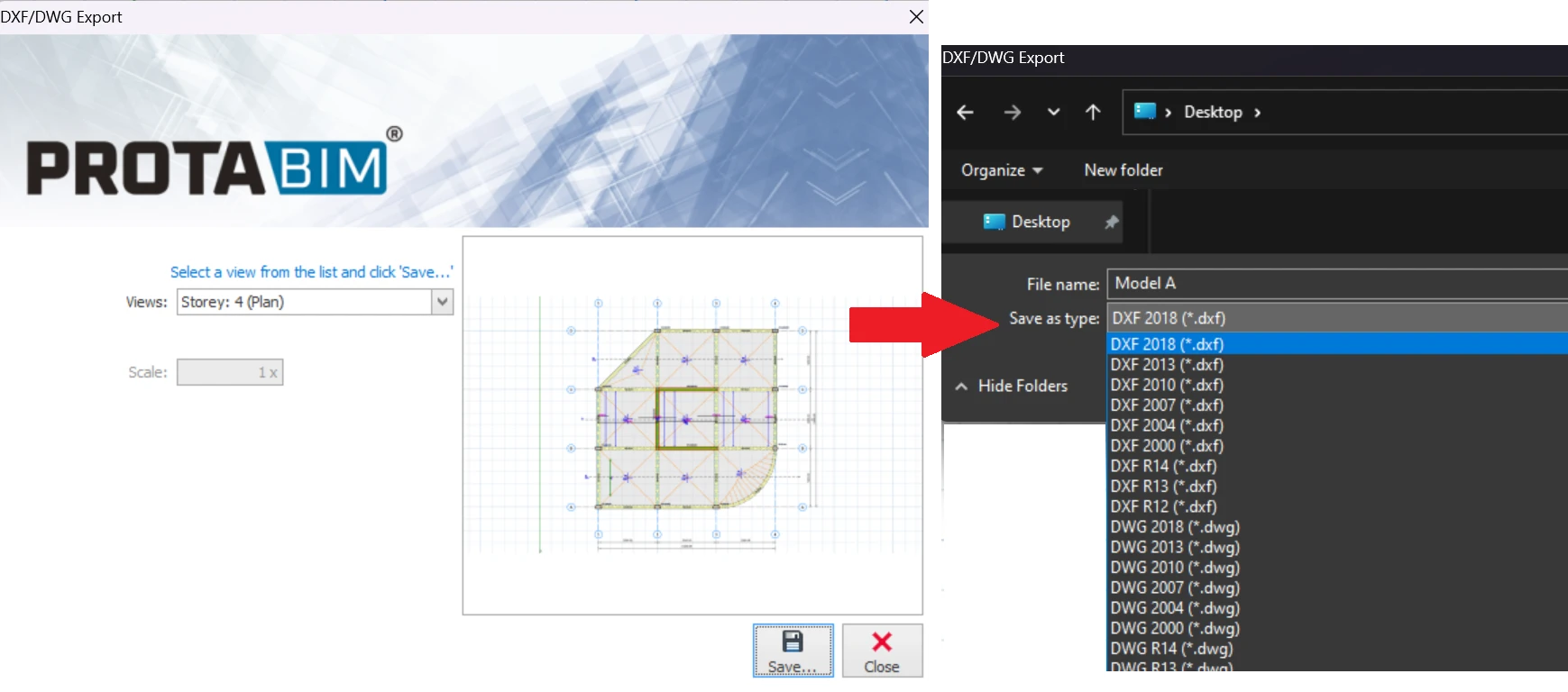
Export Dxf/Dwg File
This function allows export the current active plan view as generic dwg / dxf file.
SAF Import / SAF Export
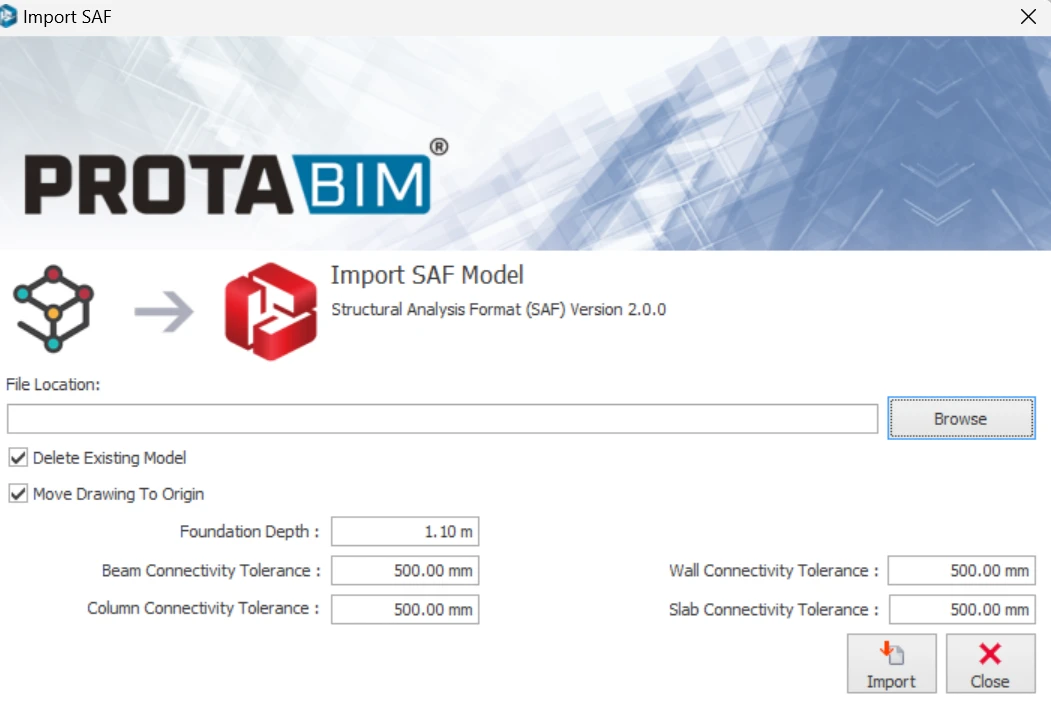
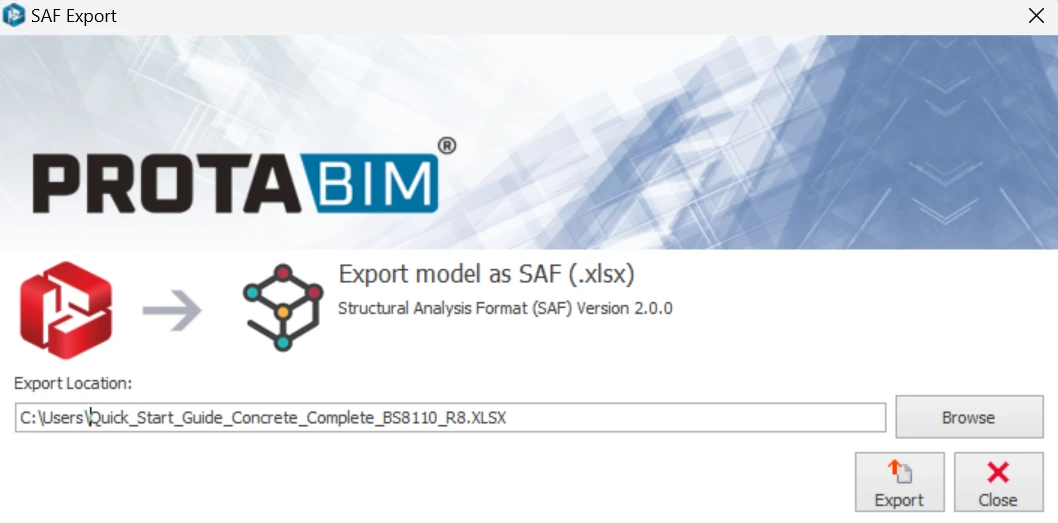
This function allow import of SAF model and export of ProtaStructure model to SAF file.
The Structural Analysis Format or SAF is an Excel-based, open format meant for exchanging structural analysis models. It is an initiative from the Nemetschek Group to improve the collaboration between structural engineers and is currently managed by SCIA. Revit Import
This function allows a round-trip of a Revit model, which is already exported from ProtaStruture to Revit.
It will not work if you want to import a new Revit model into new & empty ProtaStructure Model.
BIM Integration Status
Colors the members according to their BIM Integration Status (New, Updated, Deleted, Unchanged)
Export Image of Active View
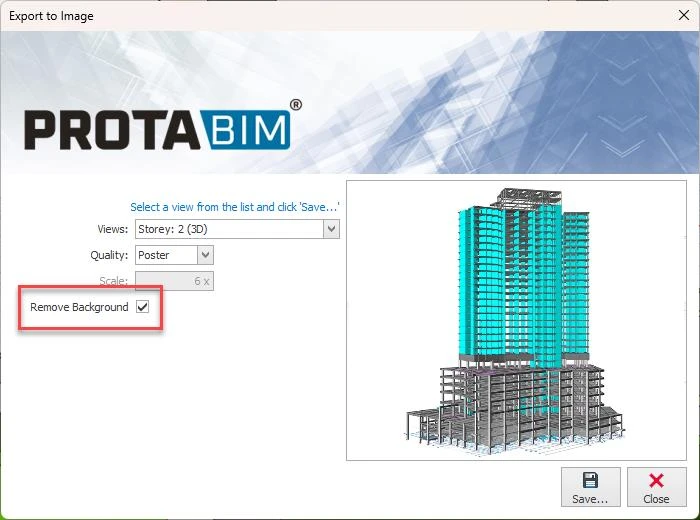
Exports the selected view as image file. If you need high-resolution images from your ProtaStructure model, this handy feature allows you to export poster quality images, thanks to the vectoral graphics engine of ProtaStructure.
There is option to automatically remove the background while exporting. In this way, your graphics designer will thank you and continue enjoying the high-resolution model images with transparent
background.
Export STL File (3D Printer)
This function exports ProtaStructure model as STL file.
STL is a file format commonly used for 3D printing and computer-aided design (CAD). The name STL is an acronym that stands for stereolithography — a popular 3D printing technology. You might also hear it referred to as Standard Triangle Language or Standard Tessellation Language.
Export 3D PDF
This function exports ProtaStructure model to 3D PDF file. A 3D PDF is a Portable Document Format (PDF) file that contains 3D model, which can be viewed with a 3D PDF enabled viewer.
Export to SAP 2000 / ETABS
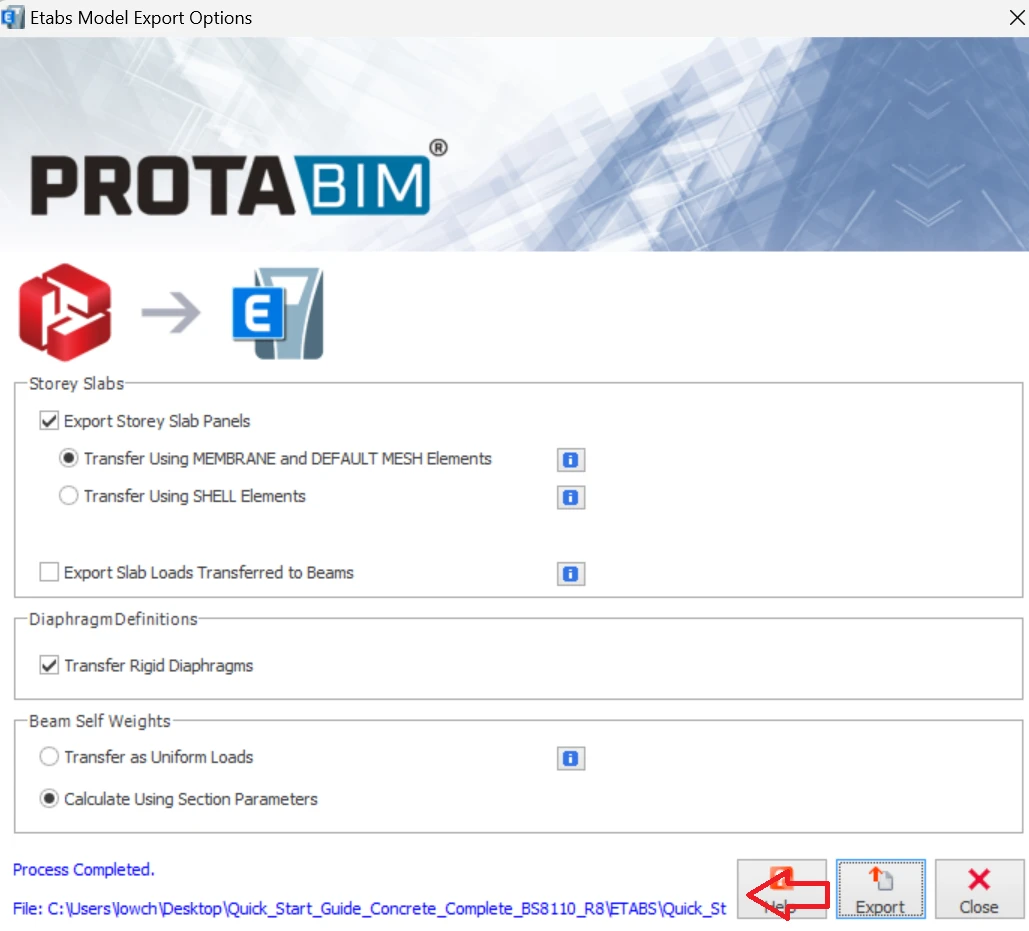
This function exports the ProtaStructure model that has analysis completed to structural analysis software Etabs® or SAP2000®/Lucas®
The ETABs file will be created in the subfolder "ETABS" of the project folder (as below).
The SAP file will be created in the subfolder "SAP2000" of the project folder (as below).
Alternatively, once you have completed a Building Analysis you can go to "Post Analysis" tab in Building Analysis dialog > same function is available to export to Etabs® and SAP2000®/Lucas®.
Similarly, when you have completed a Finite Element floor analysis you can alternatively go to "Post Analysis" tab of Finite Element Floor Analysis dialog > same function is available to export the FE analysis model of each storey to Etabs® SAP2000®/Lucas®.
Improvements in ETABS Export
The ability to export analytical and physical models to ETABS is one of ProtaStructure’s many BIM communication features. We have been continually improving the ETABS link to better suit our user’s needs :
• Export of equivalent static forces to diaphragm master joints to increase accuracy (instead of automatic calculation in ETABS)
• Automatic assignment of PIER definitions to core walls and rectangular walls modeled with FE Shell elements.
• Export of shell section modifiers to improve consistency and accuracy.
With the latest update, the export of frame members (beams, columns) is improved to make the communicated model more design-ready in ETABS. 1. The material type is now set to ‘Concrete’ for concrete frame members. Previously, it was set to “Other”.
2. Concrete section details are now introduced. Default bars are assigned to columns. (16 mm for longitudinal bars, 10 mm for stirrups)
3. The concrete column section design type is set to “P-M2-M3” by default.
4. The concrete beam section design type is set to “M3” by default.



 Refer to this article for details : IFC and DXF Import Guideline