

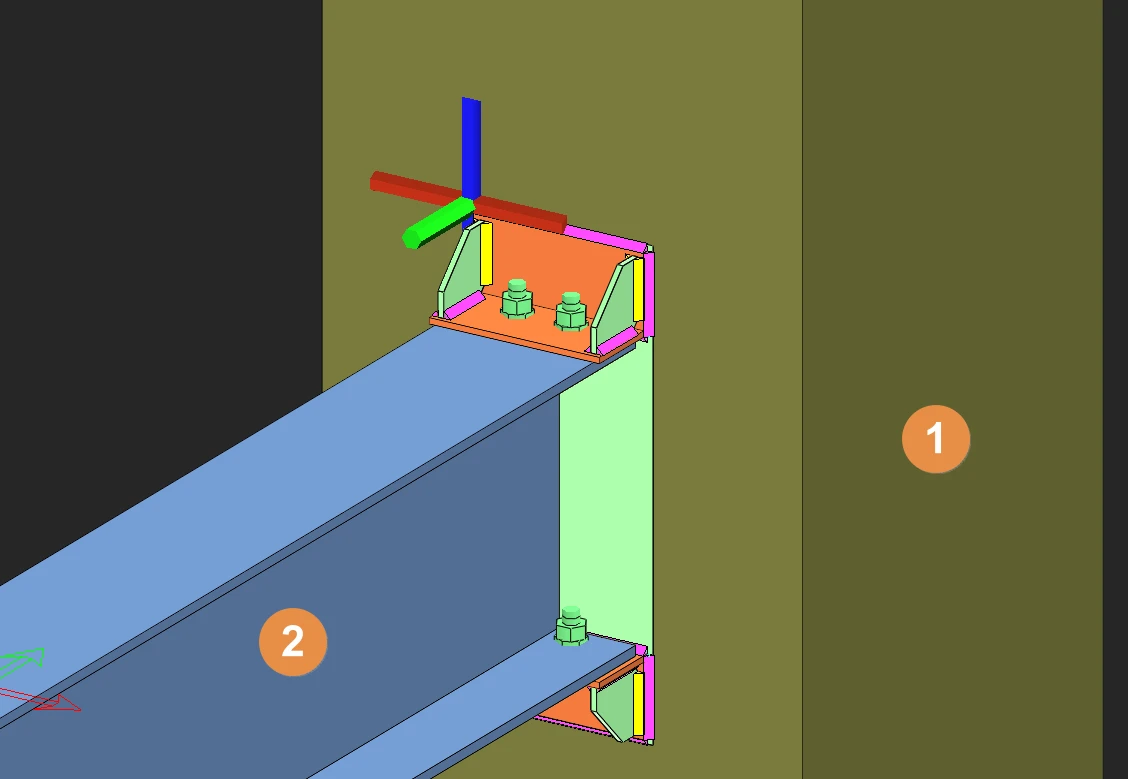
This connection macro creates & designs an embedded steel connection between a steel beam and a concrete wall or column. The steel member must be perpendicular to the reinforced concrete surface. It is important to have enough space on the concrete surface, else the macro will not work. Placing the mouse cursor over the Beam To Wall Connection Macro will reveal the tooltip describing the scope and steps of this macro.
- Click on Beam to Wall Connection Macro
- Select the concrete wall or column
- Select the steel beam
- Right-click to end & create the connection


It is important to have enough space on the concrete surface, else the macro will not work.

- Create the most appropriate View first before creating the connection. The same view & orientation will be used to produce the drawings. Click this topic for more details: Creating Views
- Press F9 on the joint to set the point of interest. The view will then rotate about the point of interest.