Web designing in a powerful way of just not an only professions. We have tendency to believe the idea that smart looking .

Detail Item Manager Psteel 2022

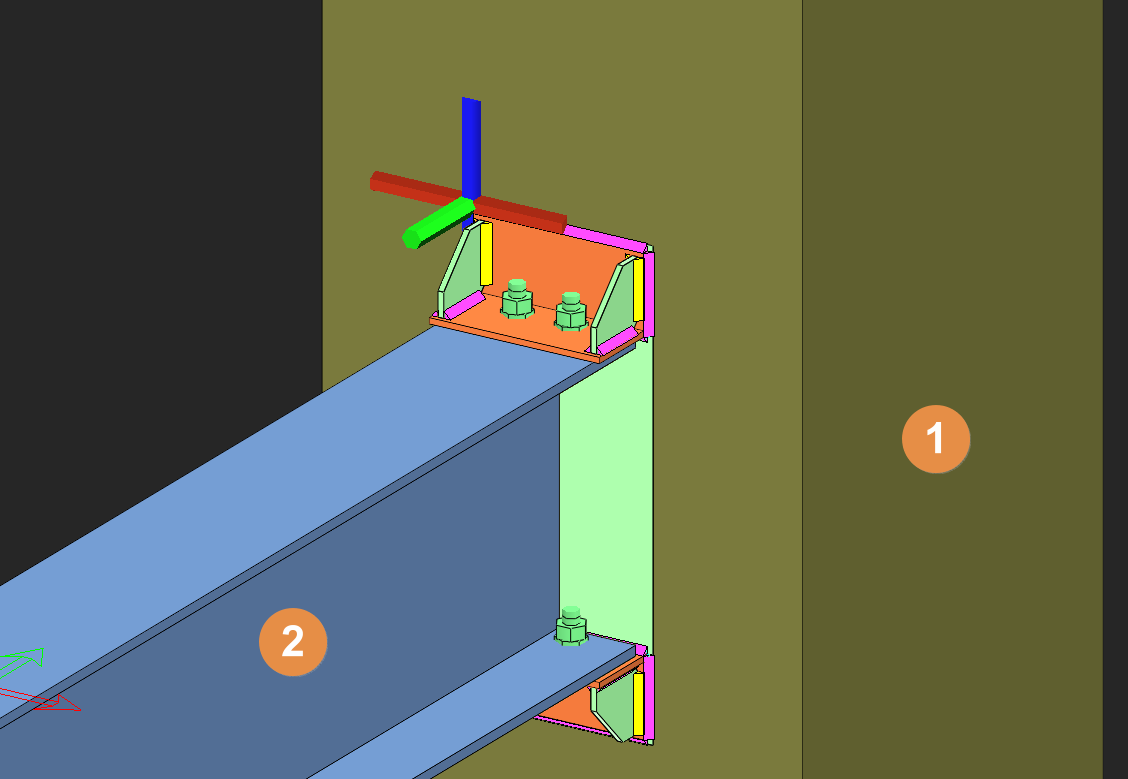
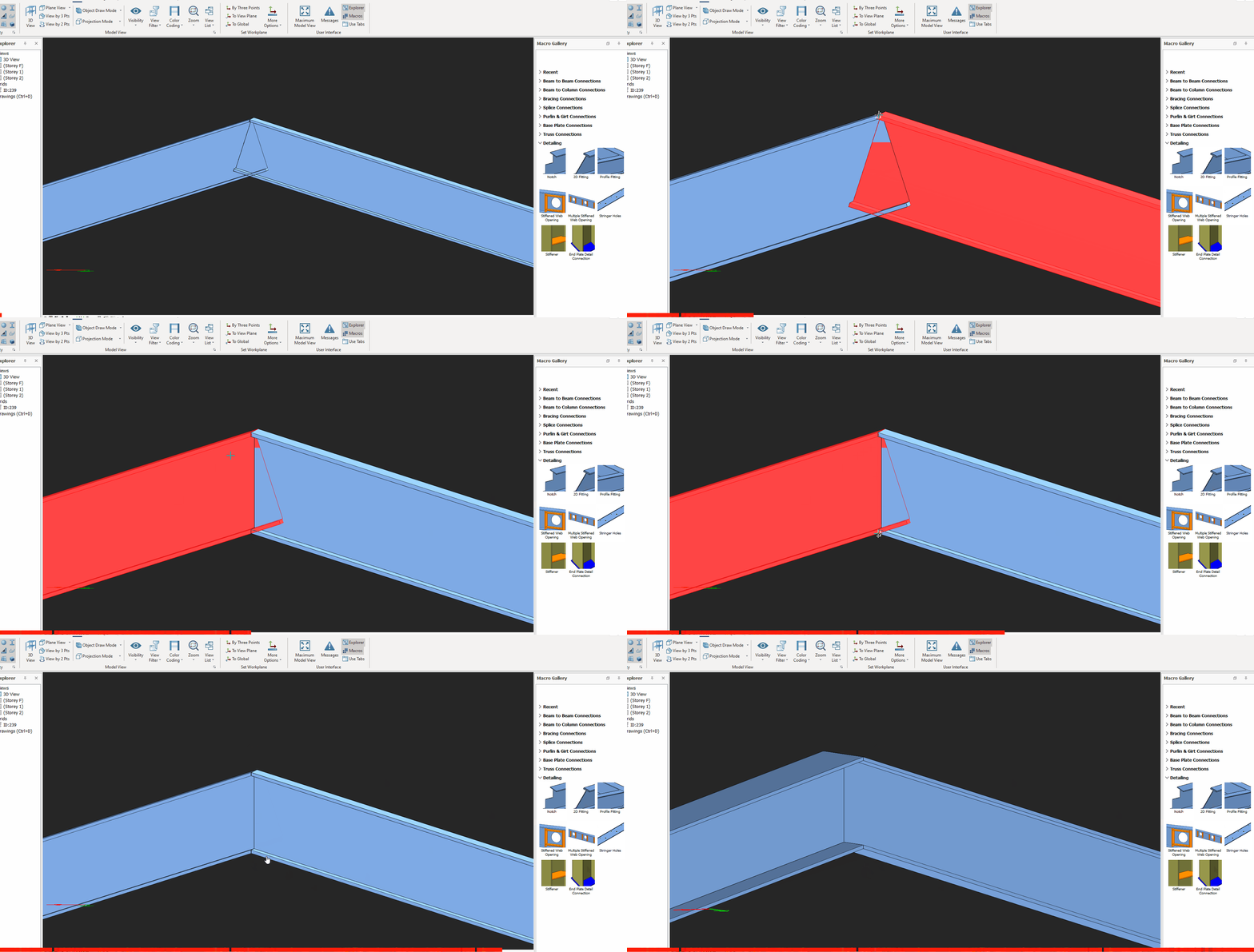
The Detail Item Manager creates and manages detail items such as the connections. We need this function to create exploded drawings of the connection with different viewing direction & detail information such as dimensions, location of bolts, welds, etc. Placing the mouse cursor over the Detail Item Manager will reveal the tooltip describing the scope and steps of this macro. […]

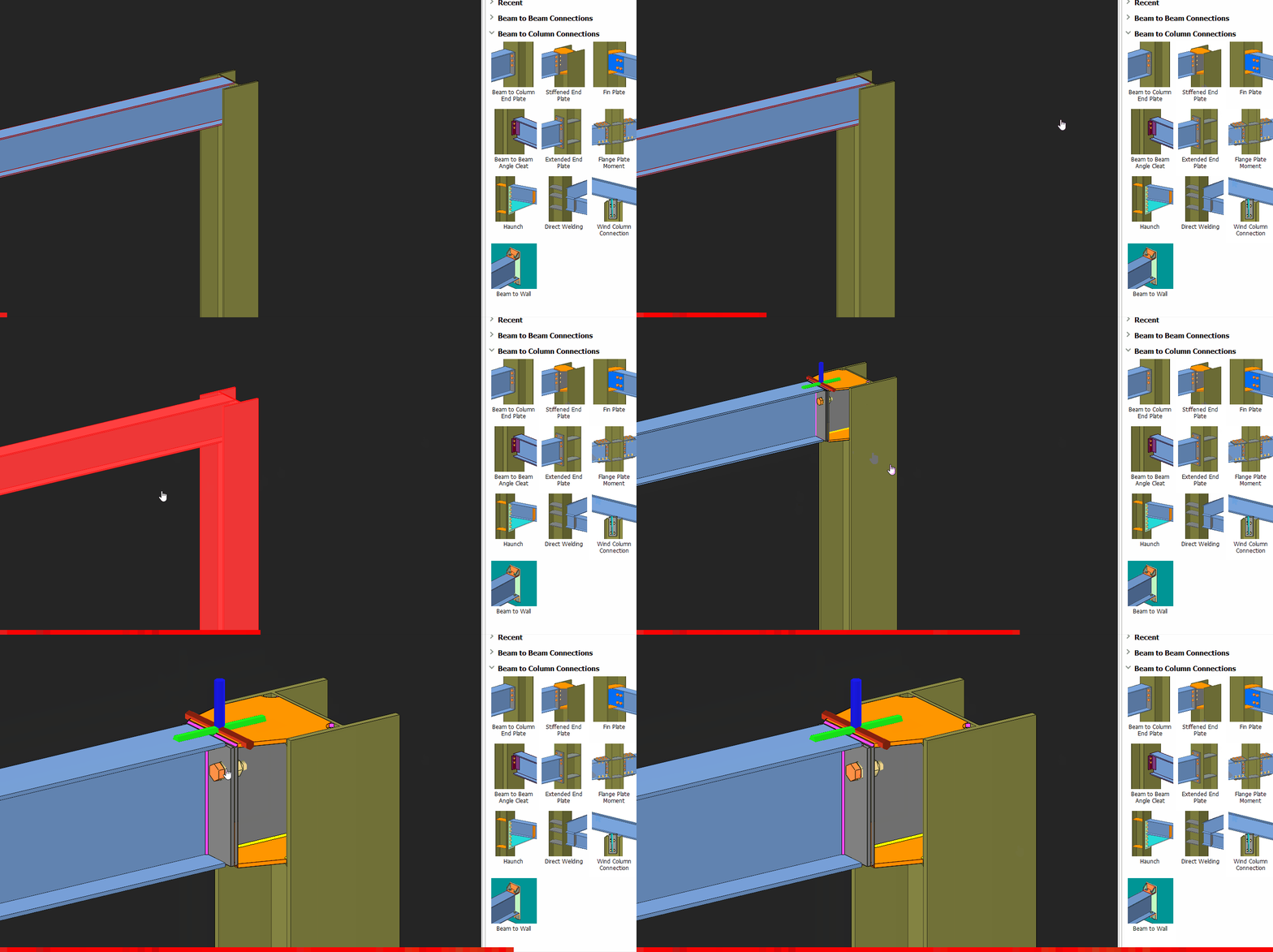
Beam To Beam Fixed Connection Macro Example Psteel 2022

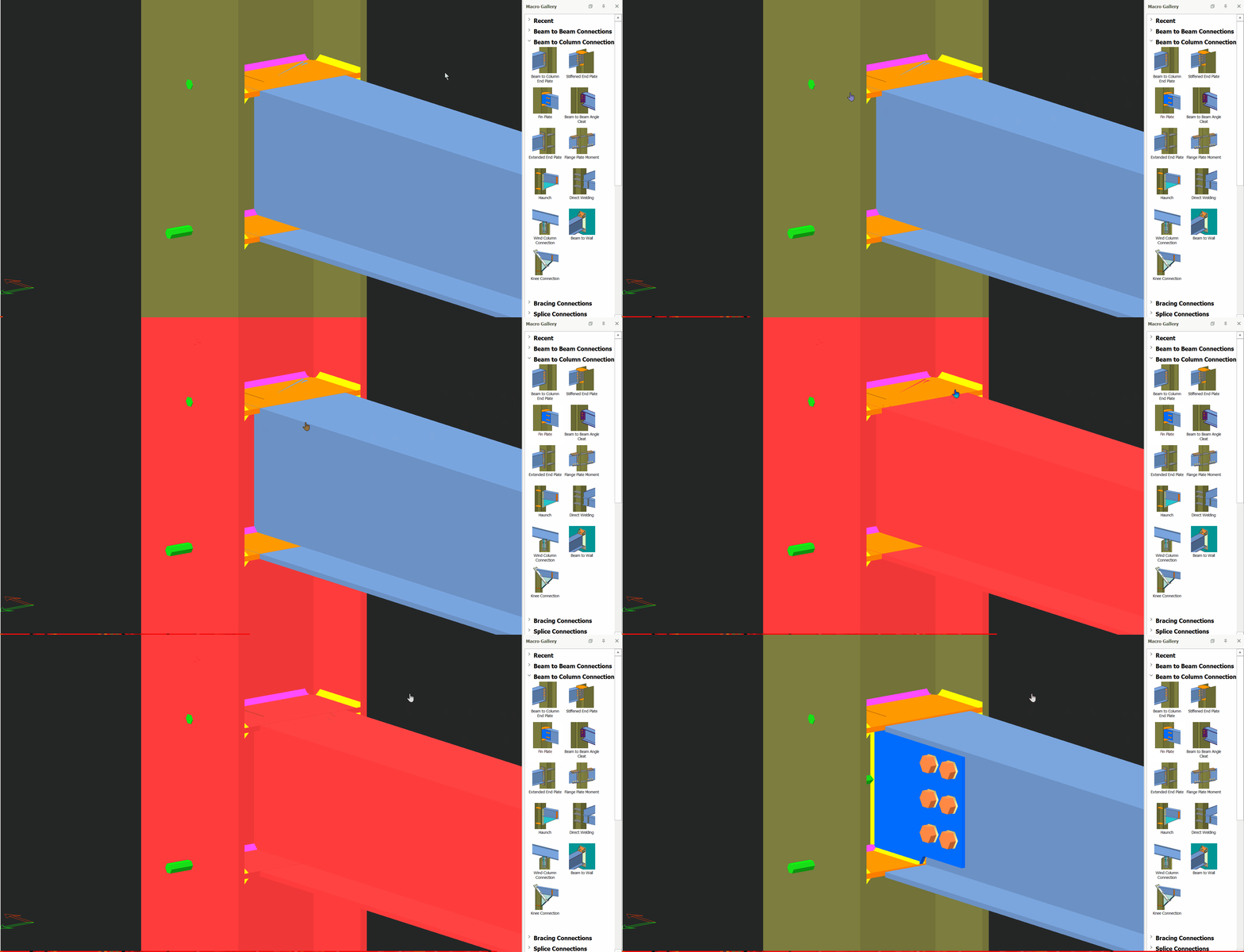
Placing the mouse cursor over the Beam to Beam Fixed Connection Macro under Beam to Beam Connections section in Macro Gallery will reveal the tooltip describing the scope and steps of this macro. How to use it: Click the "Beam to Beam Fixed Connection Macro" icon.   Select the first beam. Select the second beam. The connection will be automatically created. […]

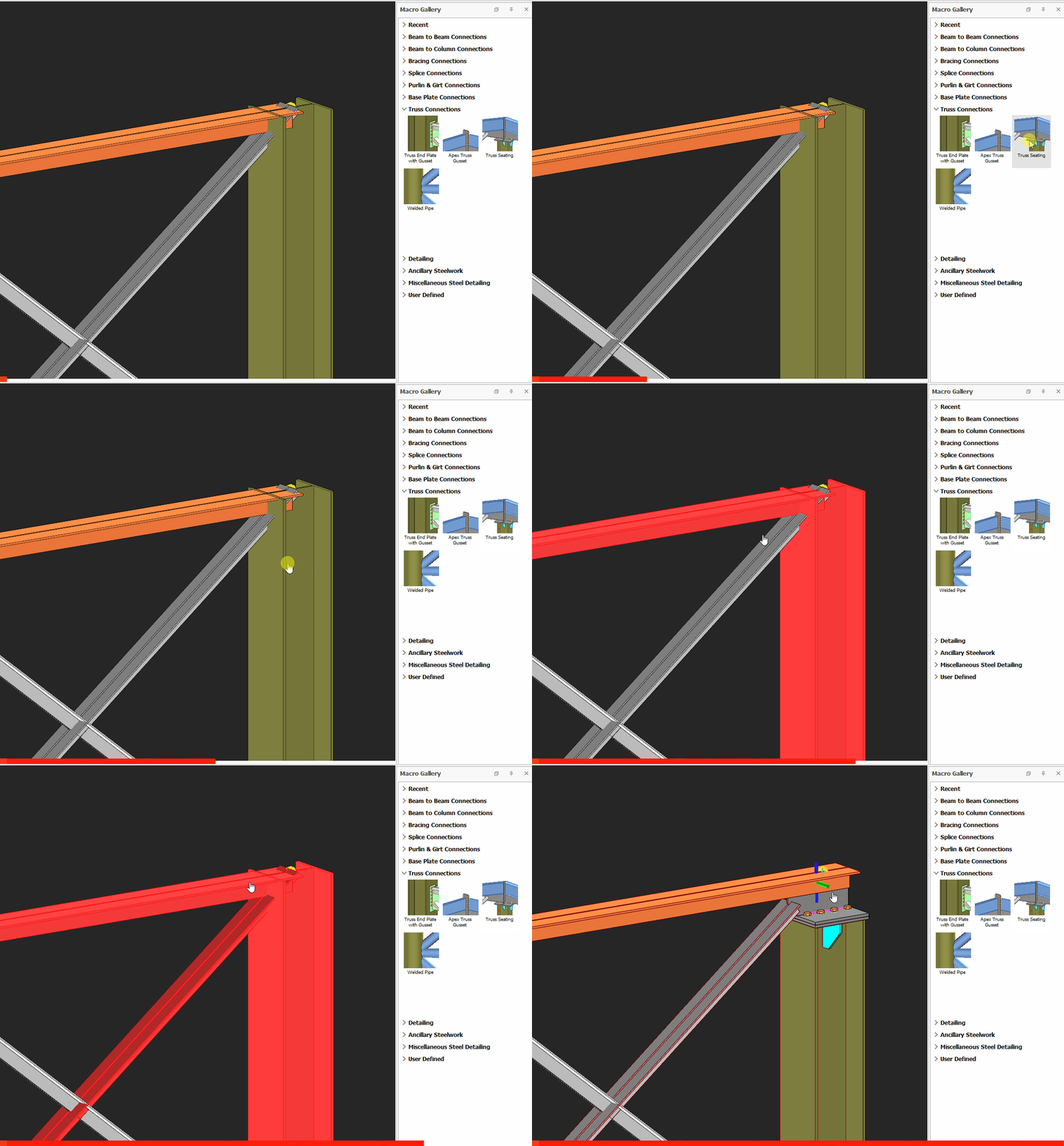
Truss Seating Connection Macro Example Psteel 2022

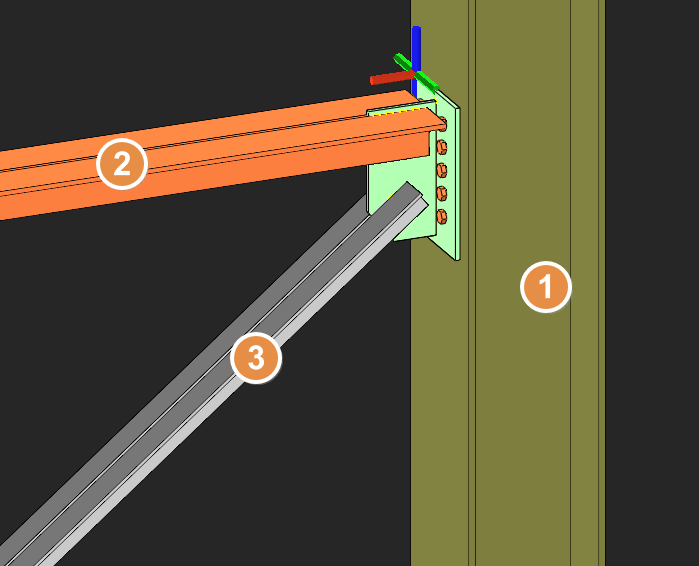
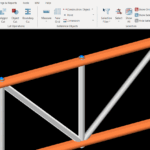
In ProtaSteel, truss top chord and diagonal members can connect to column with Truss Seating Connection Macro.  How to use:  Click the "Truss Seating Connection Macro" icon.  Select the column.  Select the top chord member of the truss.  Select the diagonal member.  Right-click. The connection will be inserted. If there is a truss on the other side of the […]

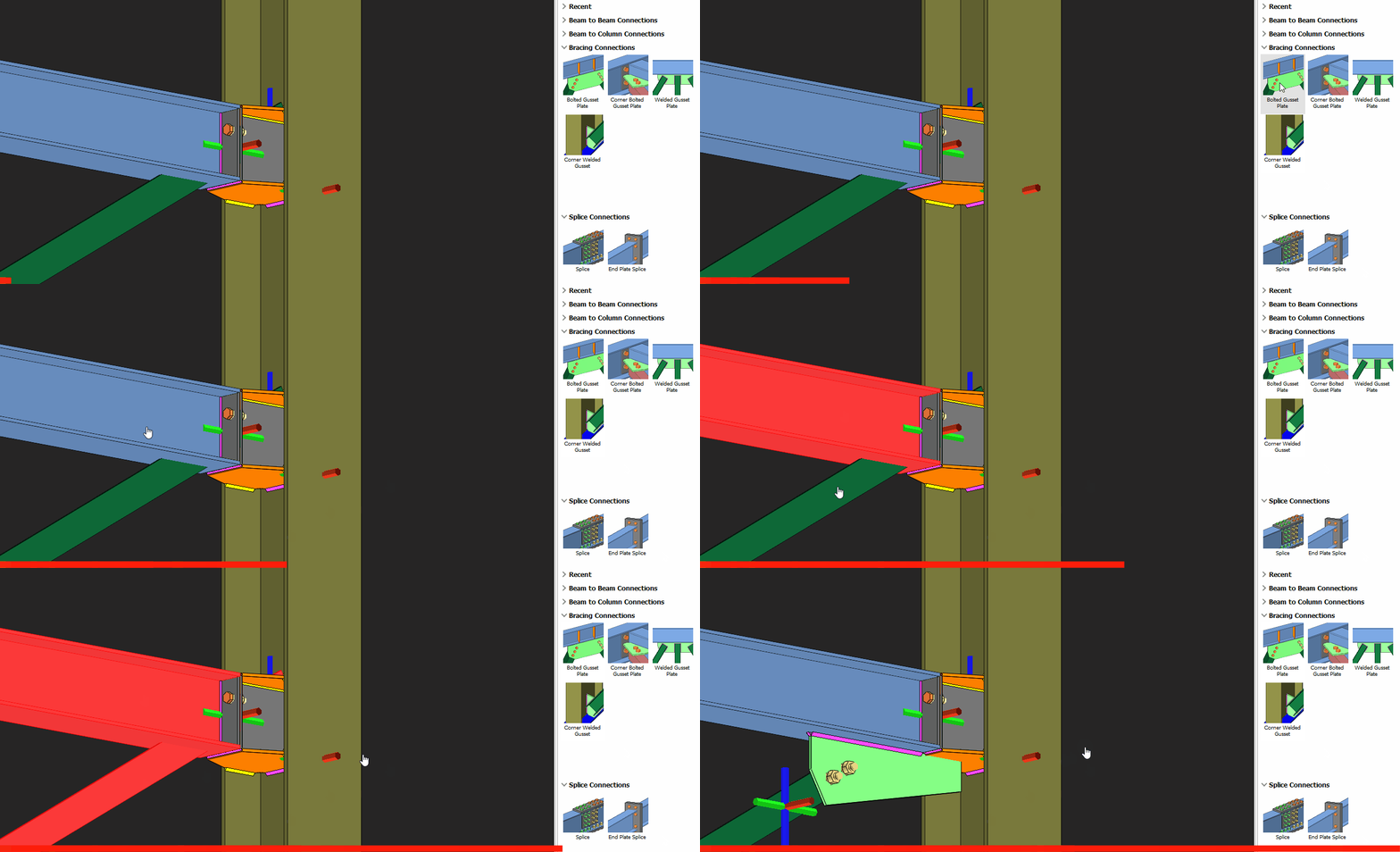
Bolted Gusset Plate Connection Macro Psteel 2022

Placing the mouse cursor over the Bolted Gusset Plate Connection Macro will reveal the tooltip describing the scope and steps of this macro. The below is the example as described in ProtaSteel Basic Training Guide : Pick Bolted Gusset Plate Connection  Pick the beam Pick the bottom brace Right-click A gusset plate connection will be created joining the bottom flange […]