Web designing in a powerful way of just not an only professions. We have tendency to believe the idea that smart looking .

Creating Material Takeoff For Steel Structures

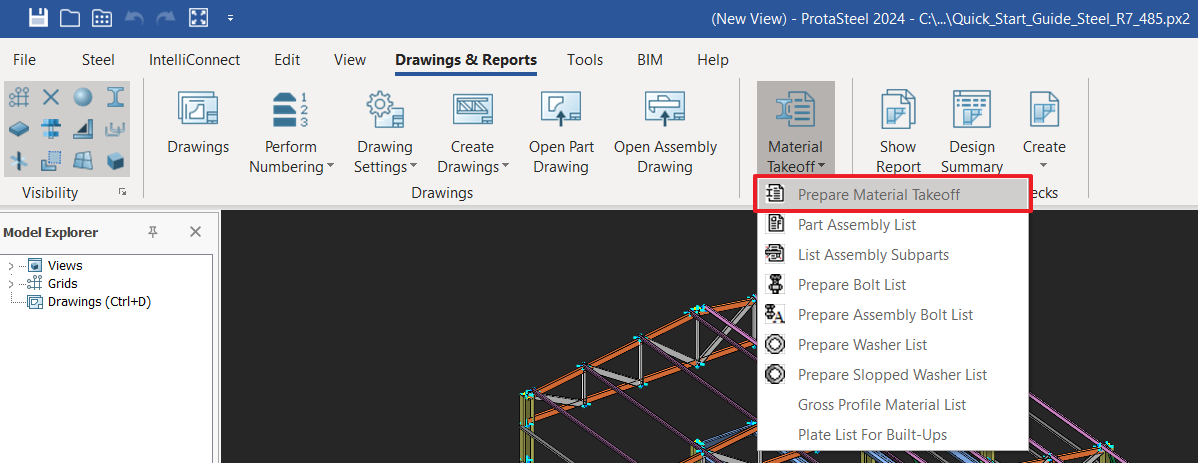
Quantity TakeOff ProtaSteel automatically creates material lists of the whole of the steel structure. "Material Lists" is located under the  "Drawing and Reports" tab.  Prepare Material Takeoff User can prepare the material list for (selected or all). This function will generate 4 Excel Spreadsheets at one time, which are: If you leave any object selected, a material […]

Export Steel Connections To Istatica

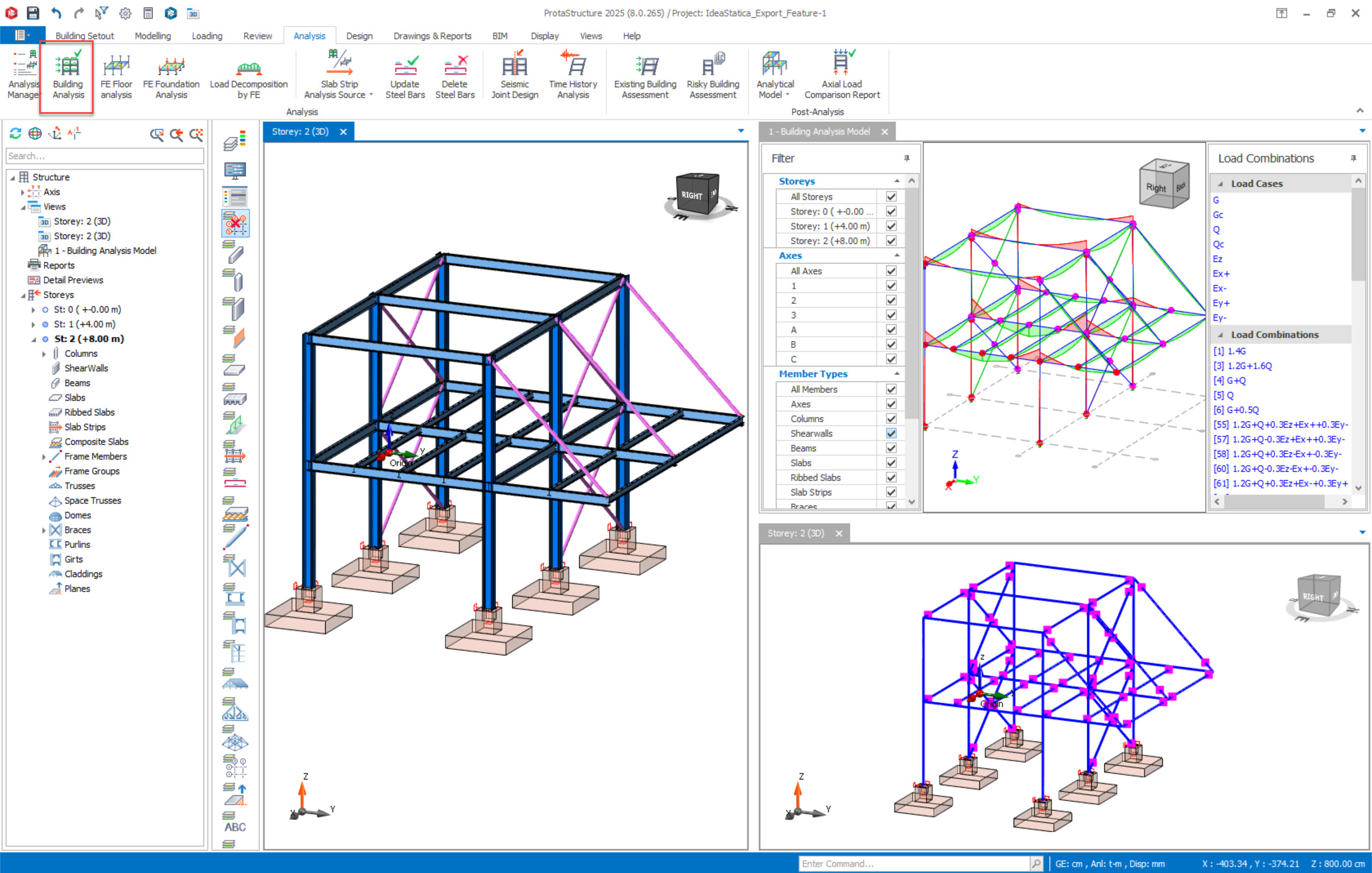
ProtaStructure is the all-in-one steel detailing and steel connection design software solution for engineers, fabricators, and drafting professionals to perform automated steel connection design and produce high-quality steel detail drawings. The structural model, once analyzed and designed in ProtaStructure, is transferred to ProtaSteel unidirectionally with accurate member positions and eccentricities and analysis results. Connection design, […]

Rebar Anchorage And Lap Lengths

ProtaDetails is capable of calculating lap and anchorage lengths according to several building codes around the world. This document presents detailed lap and anchorage length calculations for different building codes with case studies. Reinforcement drawings produced by ProtaDetails, such as the beam elevation detail, inherently adopts the auto-calculated lap and anchorage lengths of the selected […]

Project Management

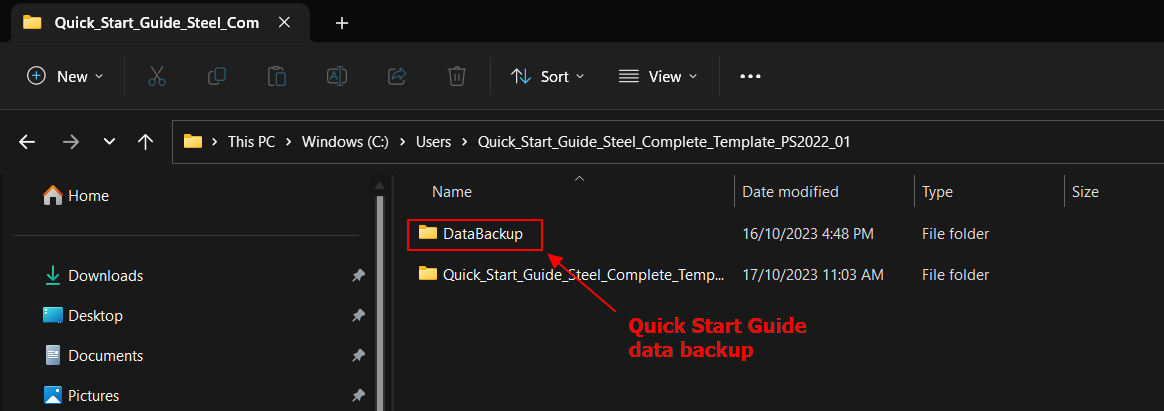
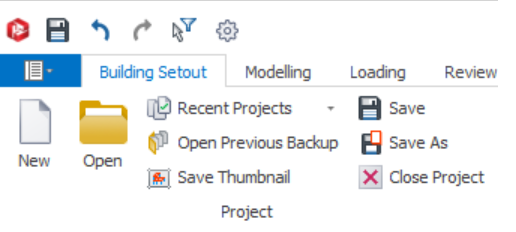
A structure modeled in ProtaStructure is saved with its related settings and parameters as a “Project”.  At any time you can go to Building Setout tab, the Project icons are shown as below. Once you have a project open, ProtaStructure’s automatic backup system can periodically make a copy of it to prevent accidental loss of data. Open projects can be […]

Pile Detailing

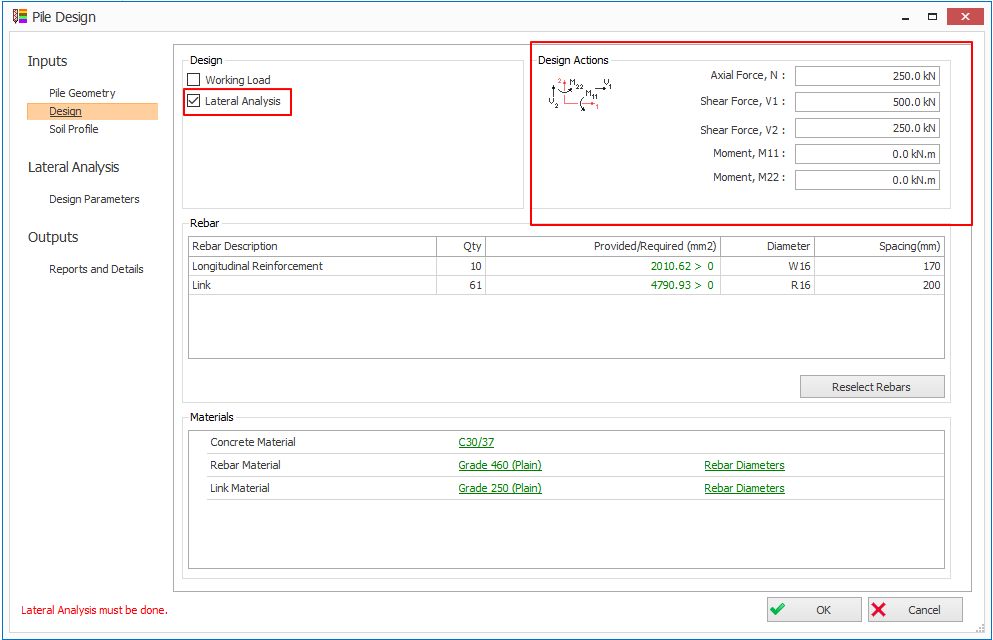
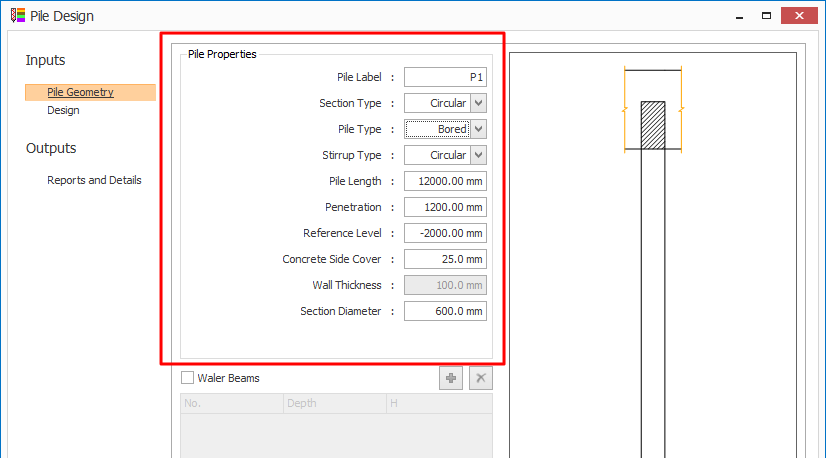
To generate the pile details, please follow steps below:- Go to Design Library (top menu) > Pile Design In Pile Properties , input all the parameters such as section type , pile type, pile length, etc. In Design tab, select concrete grade, rebar and link grades & diameters. Click OK  > Pick and insertion point on […]