Web designing in a powerful way of just not an only professions. We have tendency to believe the idea that smart looking .

Community

Working With Slabs

Defining a New Slab Before inserting a Slab member its reference axes should be defined. To define a new Slab member: Display the storey level in the drawing area which will contain the slab. Press the “Slab” button located in "Modelling" ribbon. Slab "Properties” dialog will appear  If load cases and combinations has not been […]

Seismic Forces On Non Structural Members

Introduction ProtaStructure calculates non-structural member forces according to EC8 Chapter 4.3.5. In the current document, calculations details about non-structural members earthquake force and parameters such as seismic coefficient are explained. Building Model Details The example building model consists of 7 regular floors. 3D and typical story plan view are shown below. Ensure that Building Analysis […]

Load Editor Ps2022

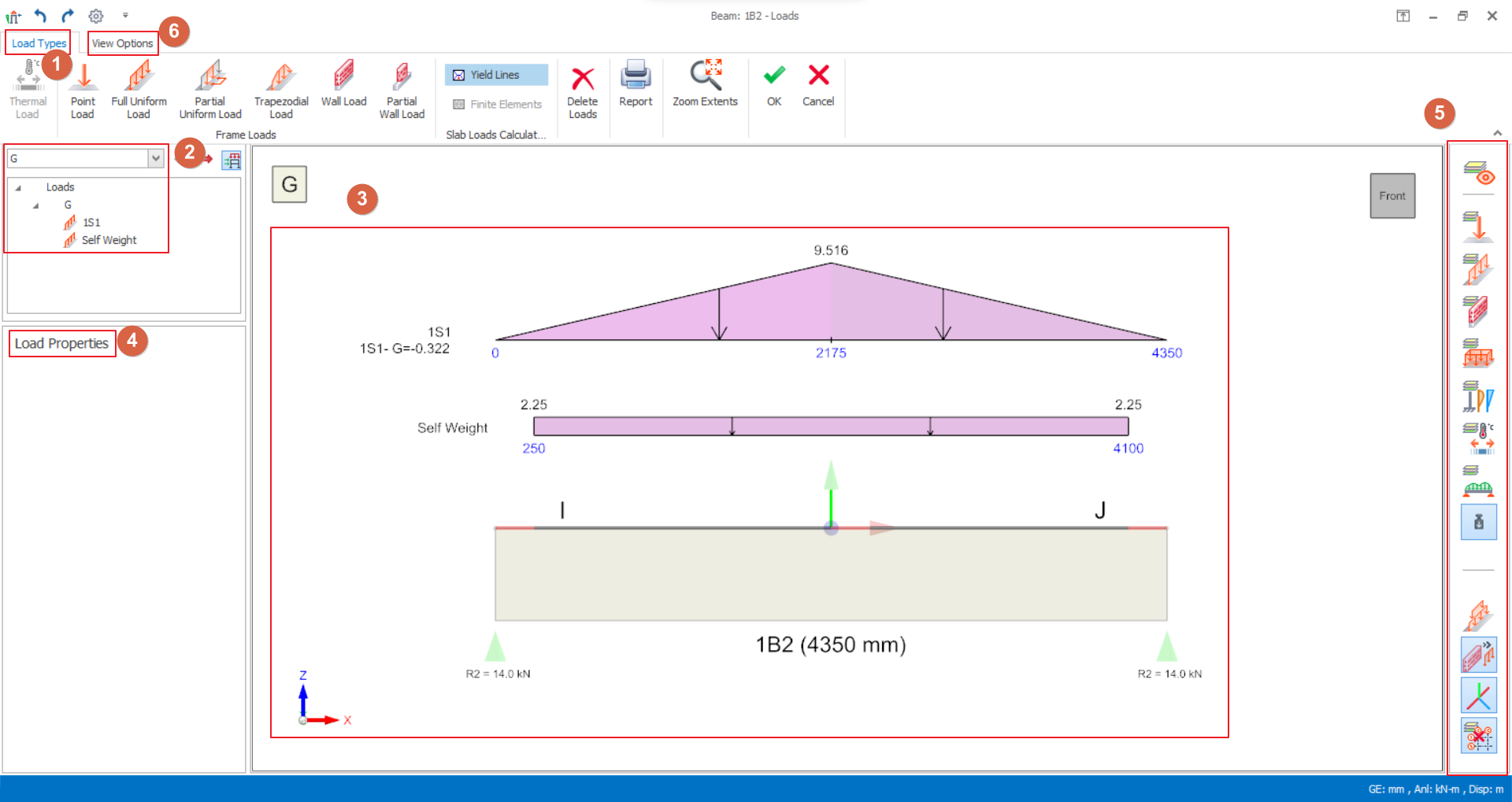
Member Load Editor A new loading framework is introduced which it is more flexible and provides more freedom in terms of load definitions, load orientations, load case assignments, load reporting, and visualization. The Load Editor of any members can be called out once load cases and combinations are generated.  Load Types Select the load type […]

Structural Modelling Contents

Techniques for member creation and loading are described in this section. Also described here are those other modelling related functions contained on the “Member” pulldown. Additional modelling related topics can be found in the preceding Graphic Editor Basics section. Modelling, Analysis & Design Flow Chart Building A Model Guideline Working with Axes Working with Columns Working with […]

Working

Defining/Editing a Ribbed Slab Defining a New Ribbed Slab Before inserting a Ribbed Slab member its reference axes should be defined. To define a new Ribbed Slab member: 1.  Display the storey level in the drawing area which will contain the slab. 2.  Press the “Ribbed Slab” button located in "Modelling" ribbon  3.  Edit the […]

Working With Axes

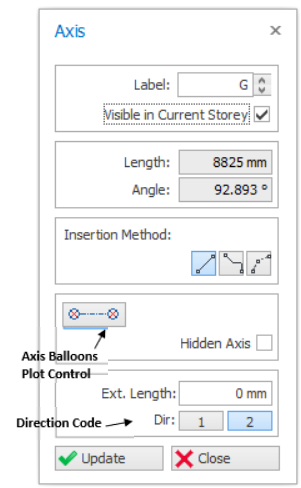
Axis Properties "Axis Properties” will be loaded by selecting the "Grid" icon in the "Modelling" ribbon or by choosing the "Properties" option in the shortcut menu (displayed by right-clicking the mouse) after the selection of an existing axis. A new axis can be defined by specifying the necessary information in the given fields in the […]