Web designing in a powerful way of just not an only professions. We have tendency to believe the idea that smart looking .

Community

Protastructure Environment

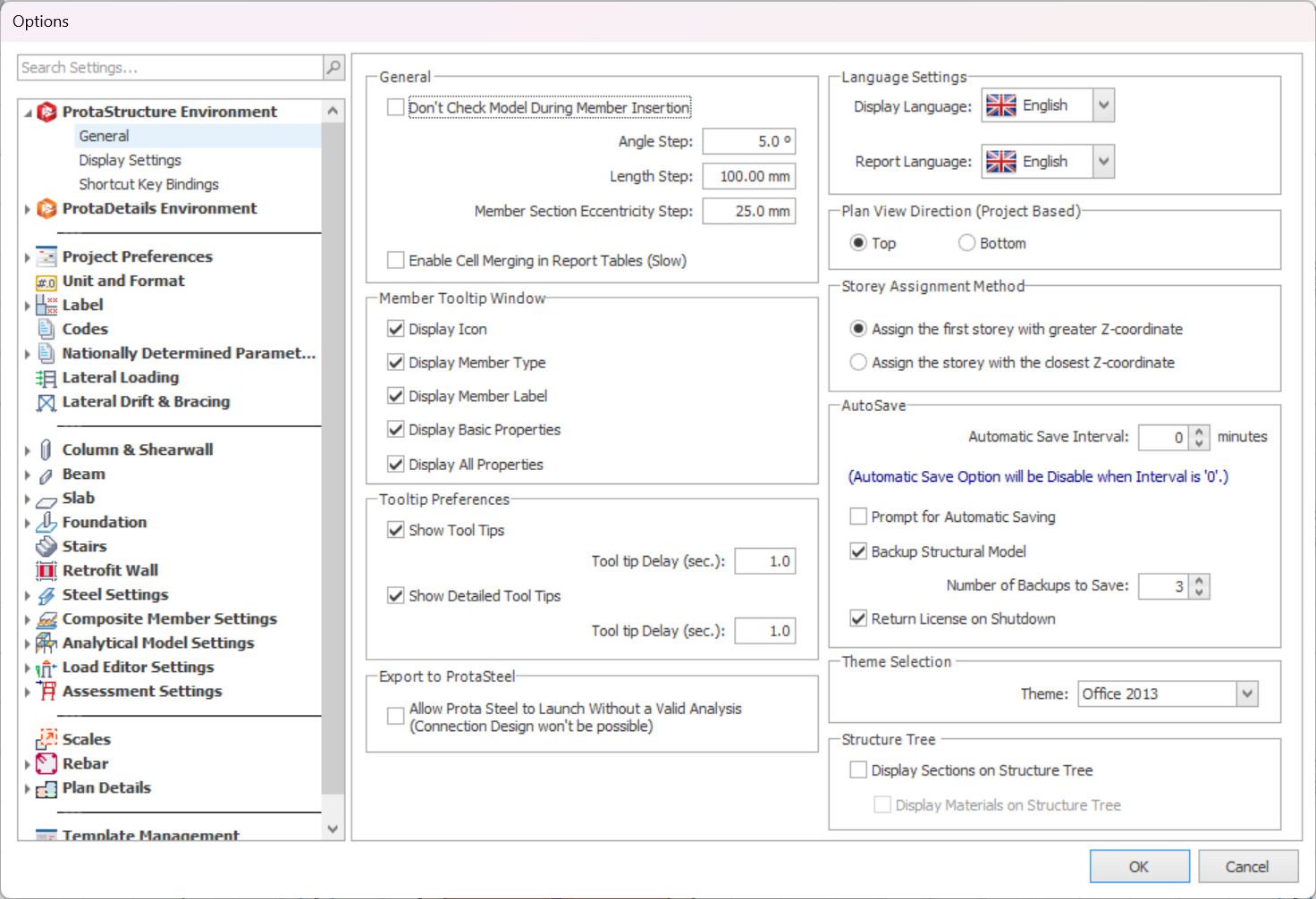
Item based settings can be modified in this form. These settings may be different for another ProtaStructure installation on a different computer. General General settings of the ProtaStructure can be controlled in the General page under ProtaStructure Environment. General : Don’t Check Model During Member Insertion : To  check overlapping between different member type (except column) during insertion. […]

Column Design Settings Ps2022

General Column and shearwall design setting is important to preset before starting to design any columns/walls. By presetting these design parameters can save a significant amount of time for user compare to user who set after designing columns/walls. This is to ensure the columns/walls are correctly designed based on the project criteria. To access the […]

Assessment Settings

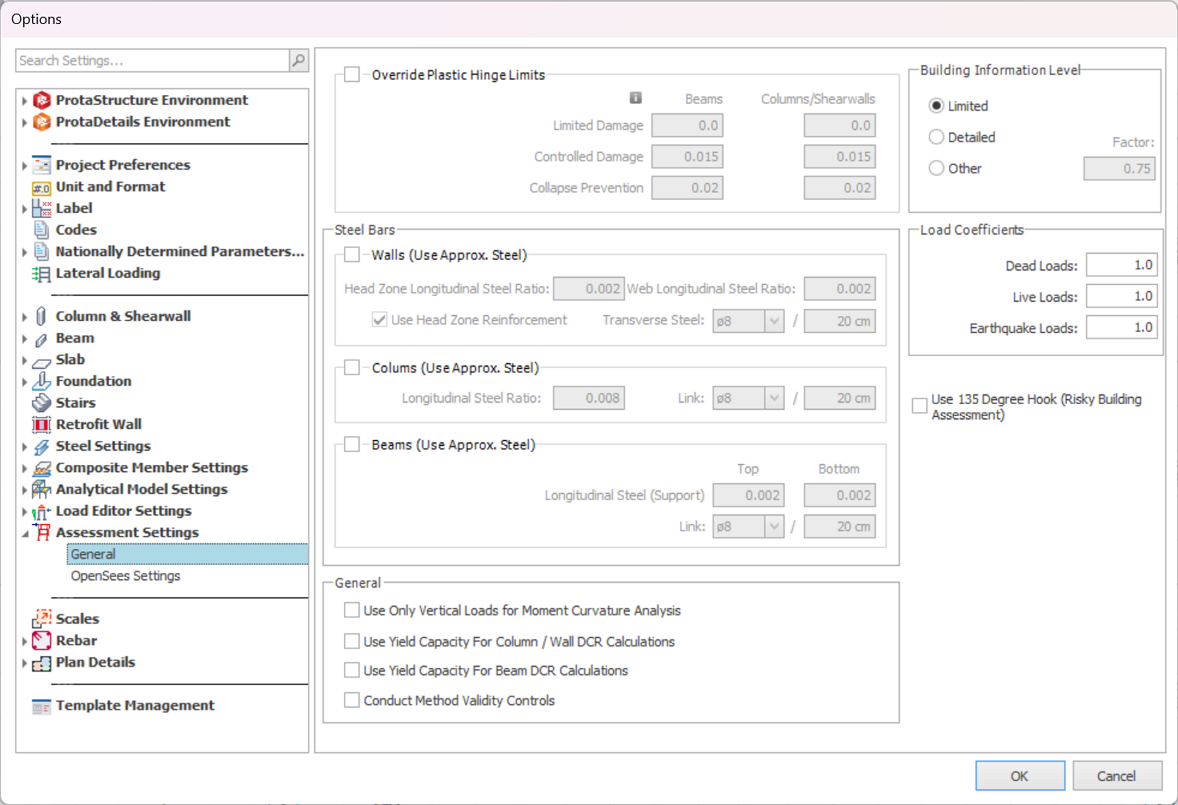
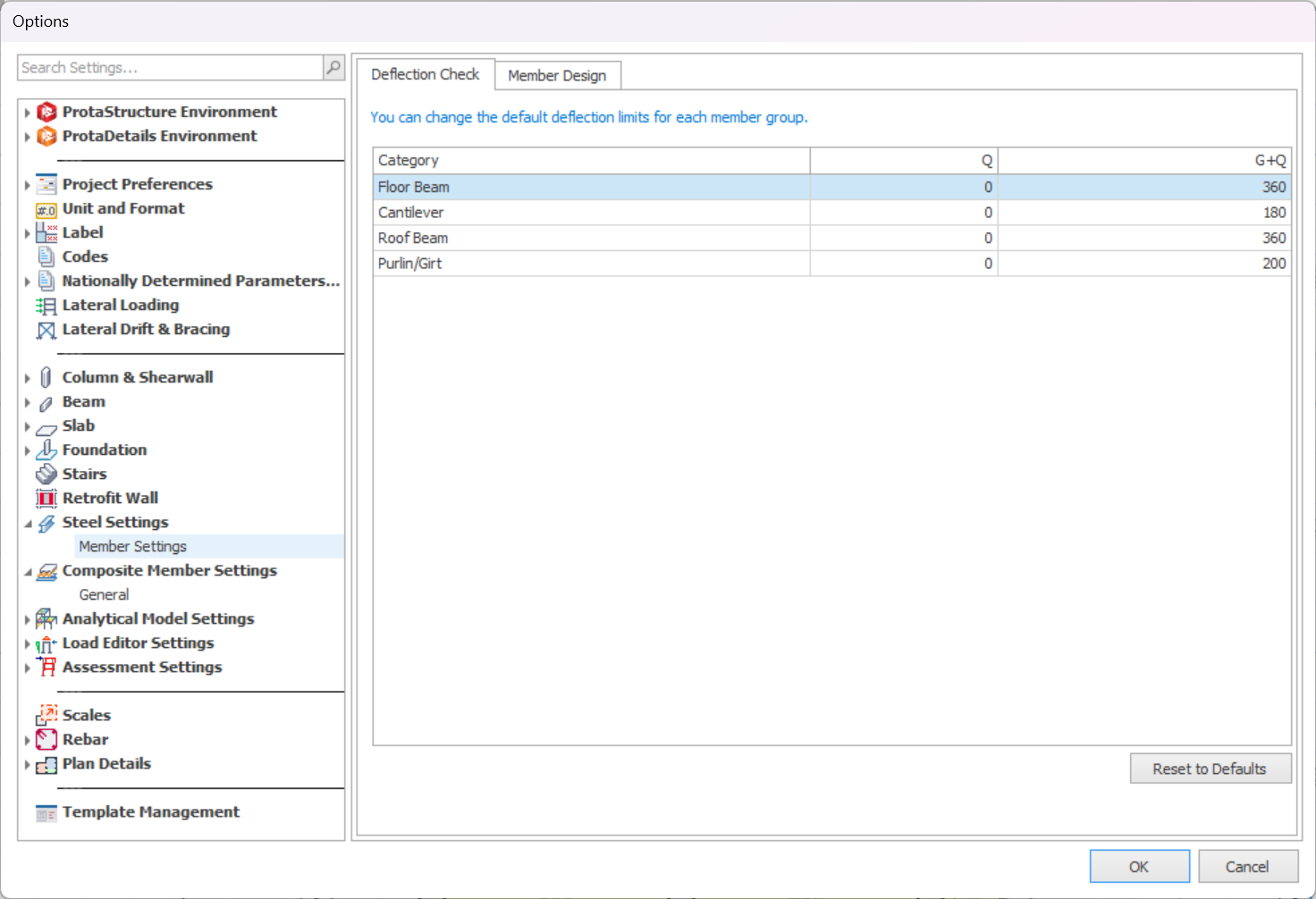
Parameters used in assessment and retrofit of existing building can be access in single location through Building Setout > Settings Center > Assessment Settings.  The parameters shown in settings dialog may change with the selected code. Override Plastic Hinge Limits ProtaStructure will calculate the plastic hinge damage boundaries according to the selected seismic code requirements. […]

Drawing Settings Ps 2022

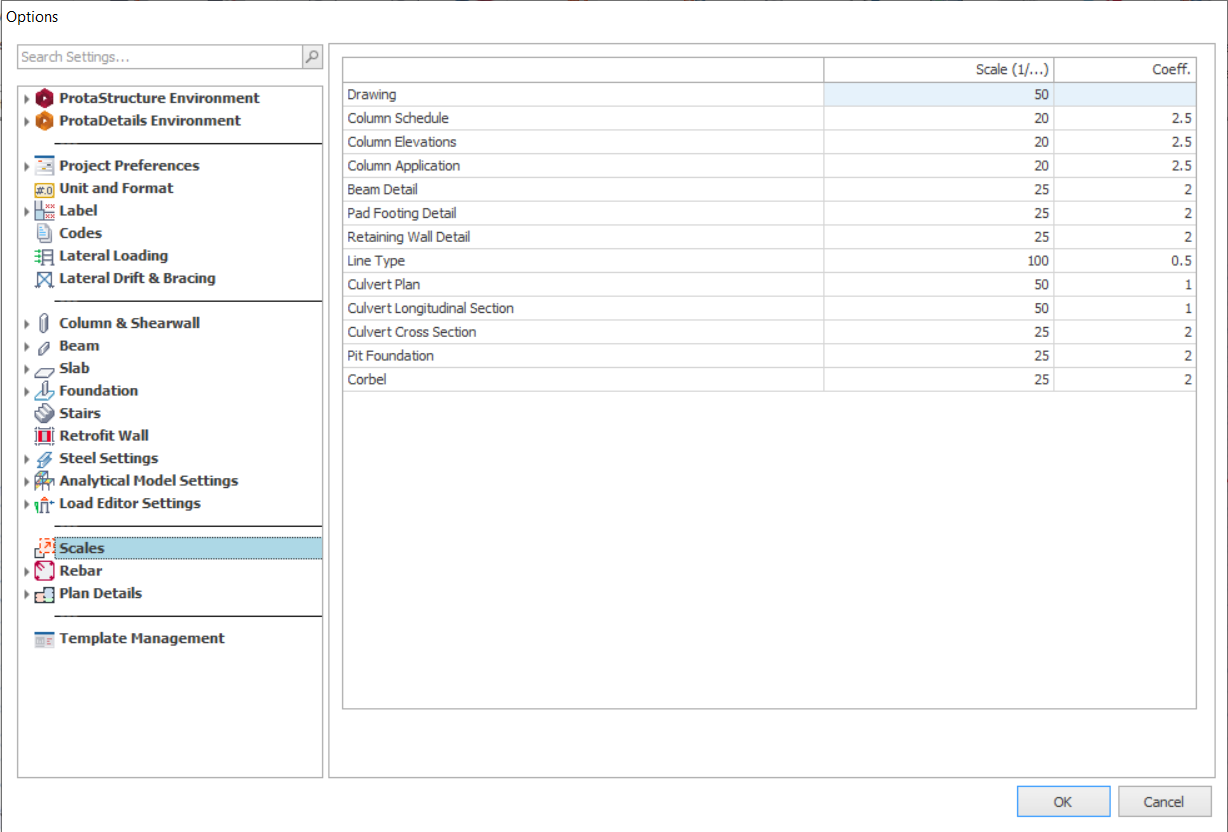
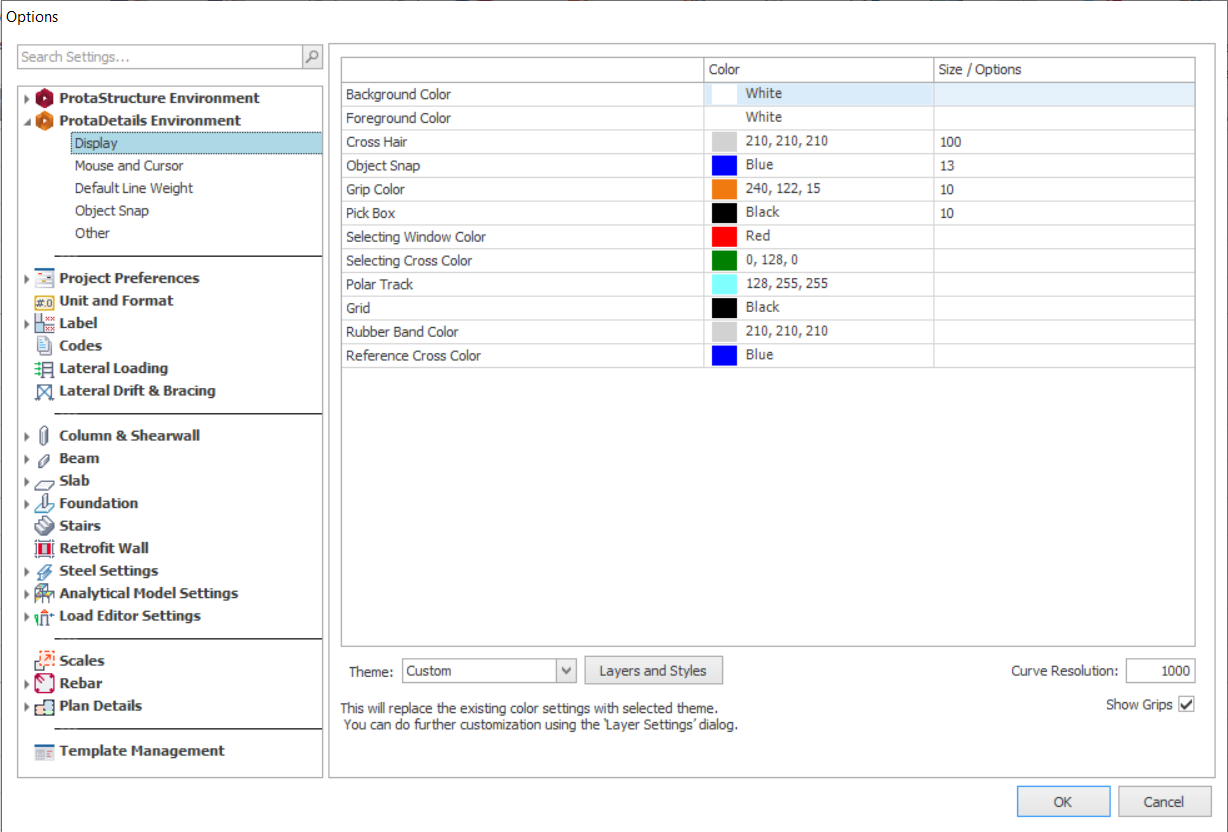
Drawing Settings affects the drawings generated in ProtaDetails such as scales, label settings and etc. It is a good practice to check and preset the settings before generating drawings to save time on manual modification in the later stage. Scales Scales of drawing can be adjusted in this tab. Drawing : This controls the drawing […]

Layer And Color Settings

Layer and color settings are controlled from here.  The “Layers” form can be loaded by clicking the “Layers and Color Settings” option under the “Building Setout” ribbon. Individual layers can be switched on or off. In the Graphic Editor, members are automatically defined in specified layers according to their member types. Different layers for different member […]

Template Management Ps 2022

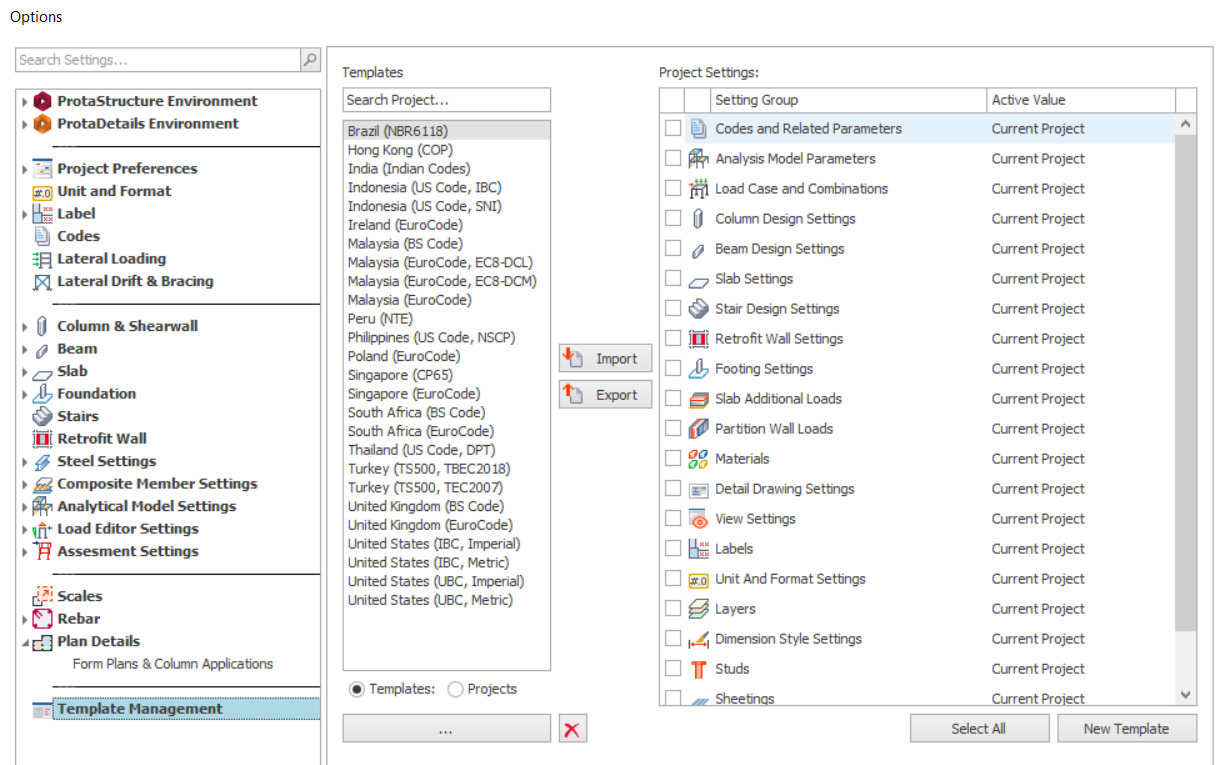
The “Settings Center” is displayed by selecting “Template Management". It can be used to: Establish the initial settings in a new project Review and modify settings in the current project Swap settings between projects Save preferred settings as templates Settings are divided into two main categories in ProtaStructure: System based settings Project based settings System based settings can […]