


Haunch Connection Macro Example Psteel 2022
Placing the mouse cursor over the Haunch Connection Macro will reveal the tooltip describing the scope and steps of this macro.
How to use it:
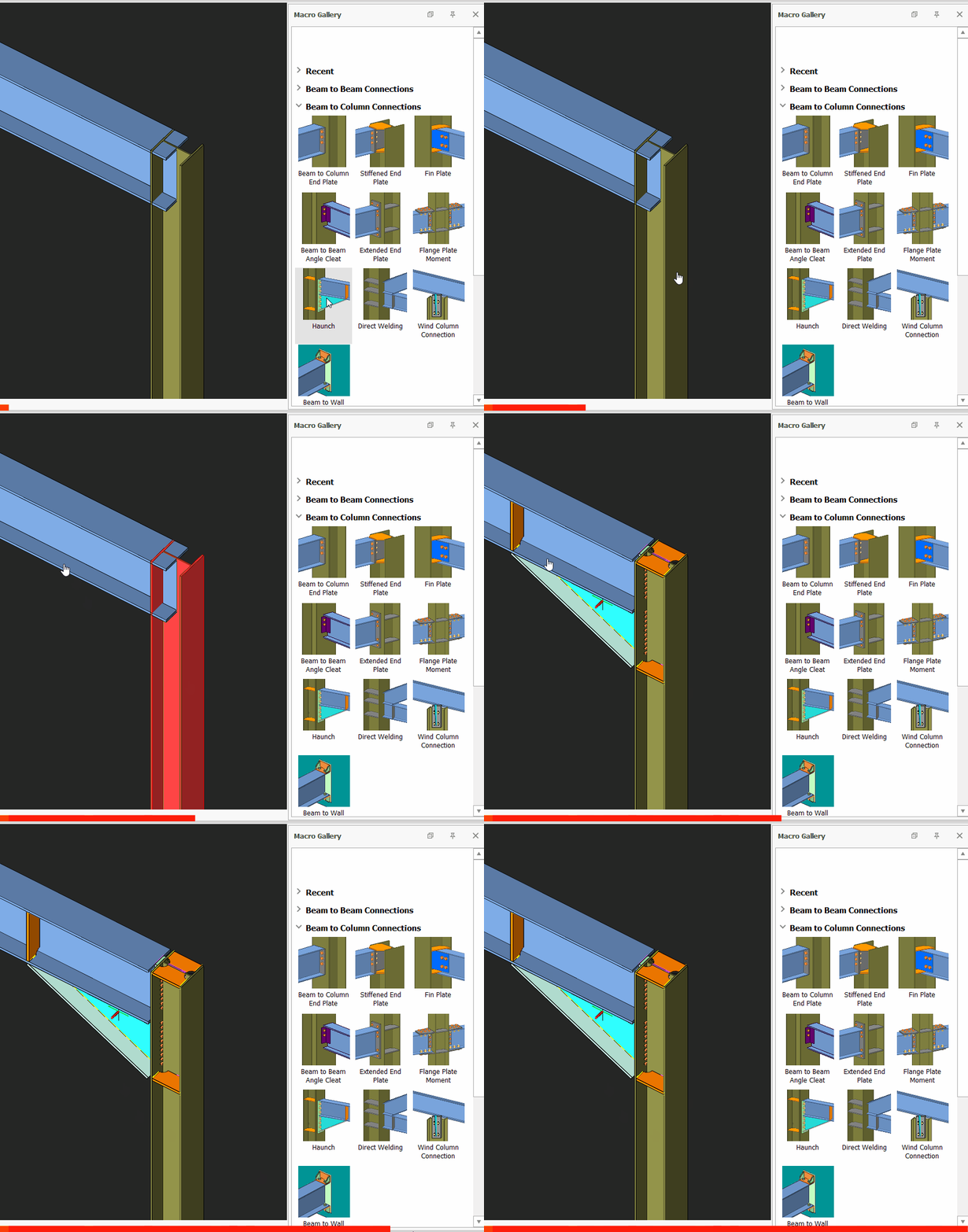
- Pick "Haunch Connection"
- Select the Column
- Select the Beam
- The connection will be automatically created.
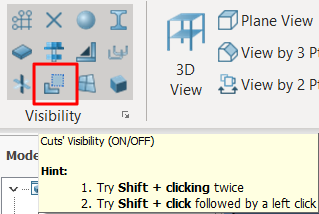
The blue transparent box is the cut object, It can be turned on/off in visibility settings.
The GIF below is the example as described in ProtaSteel Quick Start Guide :

- Create the most appropriate View first before creating the connection. The same view & orientation will be used to produce the drawings. Click this topic for more details: Creating Views
- Press F9 on the joint to set the point of interest. The view will then rotate about the point of interest.