

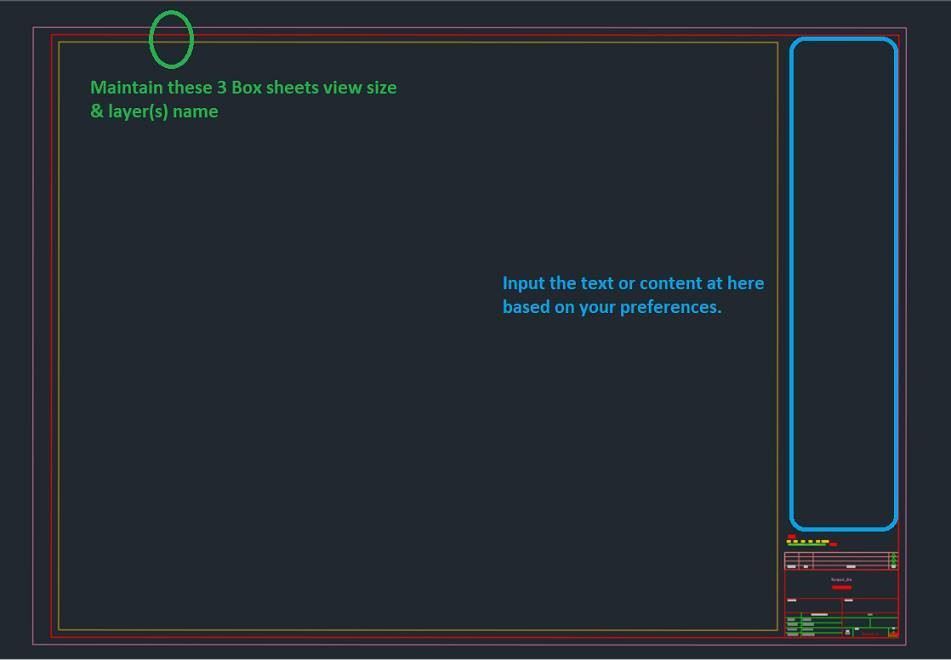
Insert Own Sheet Titleblock
In ProtaDetails, user can select own preferred sheet (titleblock) when generating any detail drawings.
To do so, refer to steps below:
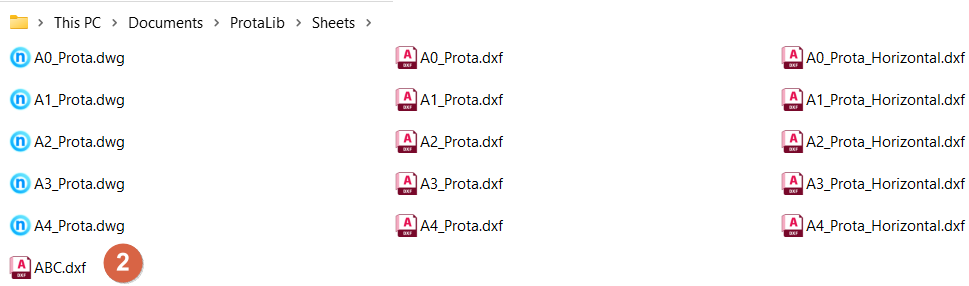
- Go to "C:Users<username>DocumentsProtaLibSheets" and make a copy of Prota original Title Block drawings.
- Open the copied Prota title block drawing(s), modify it based on your company preferences and save it after you are done with it.
- Do not modified the paper size or position.
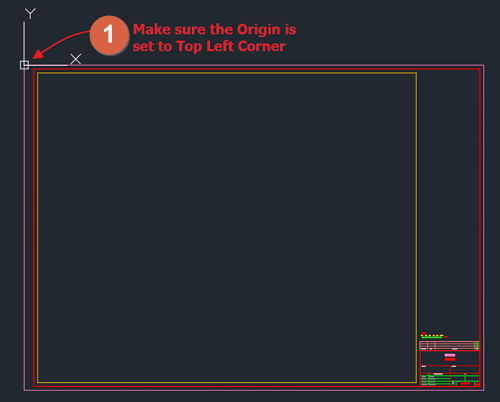
- Ensure the origin (can be checked based on the location of the axis X and Y) of the titleblock drawing is set to top left corner of the titleblock and saved as .dxf format.
- In this example, "ABC.dxf" represents the newly created titleblock.
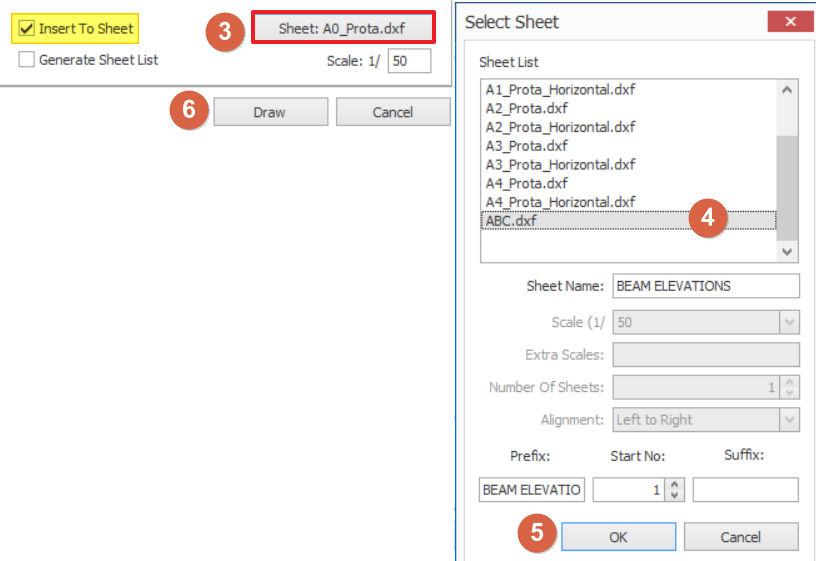
- When generating detail drawing, tick "Insert To Sheet" and select the "Sheet: ABC.dxf" to change the titleblock.
- Click "OK" once the parameters are correctly set to own preference.
- Click "Draw" to generate the drawing.
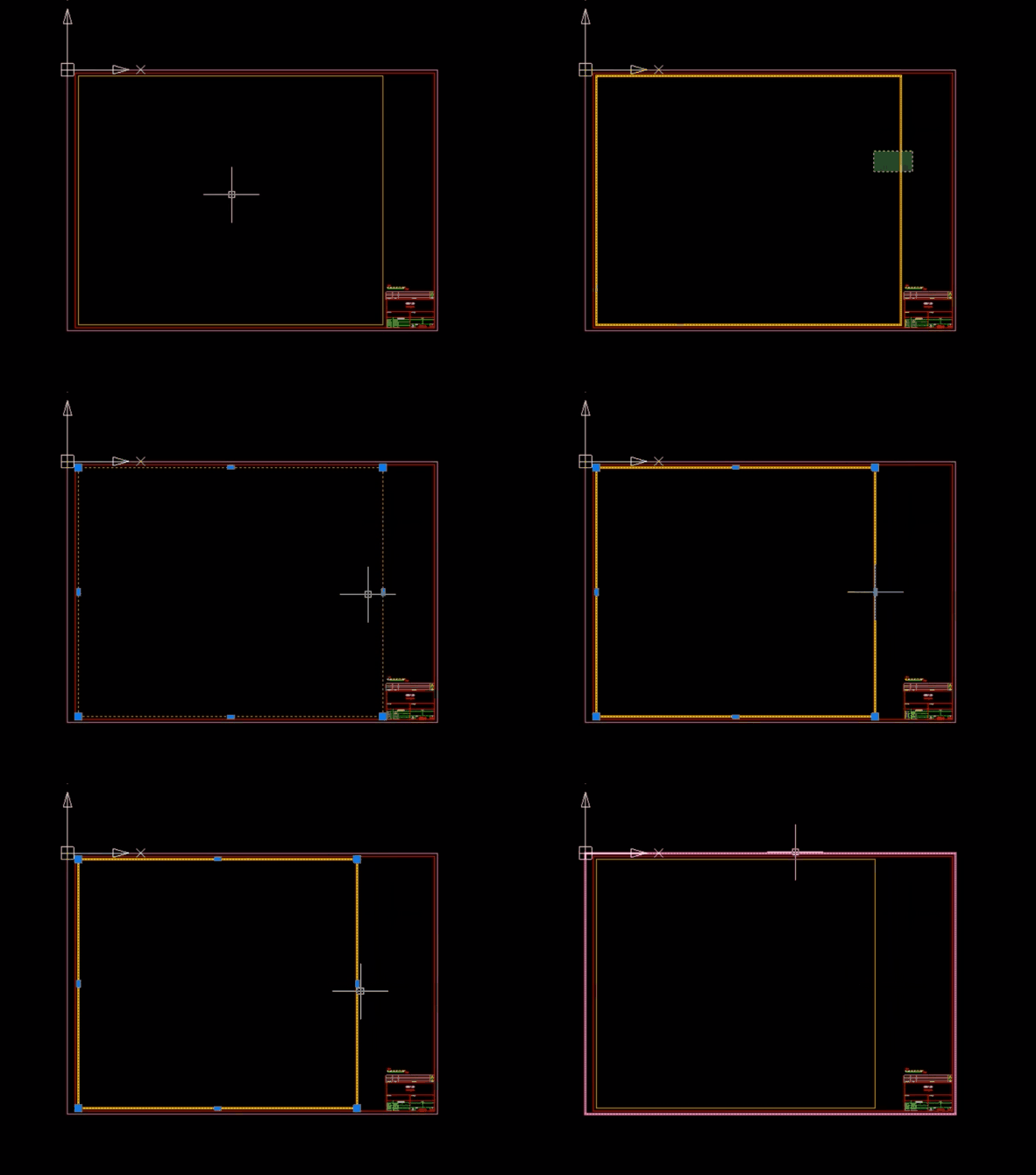
You also can adjust the width of the side content of title block by dragging the orange line as in the attached GIF below:

Ensure the "Insert To Sheet" has been ticked to activate "Sheet" selection.