

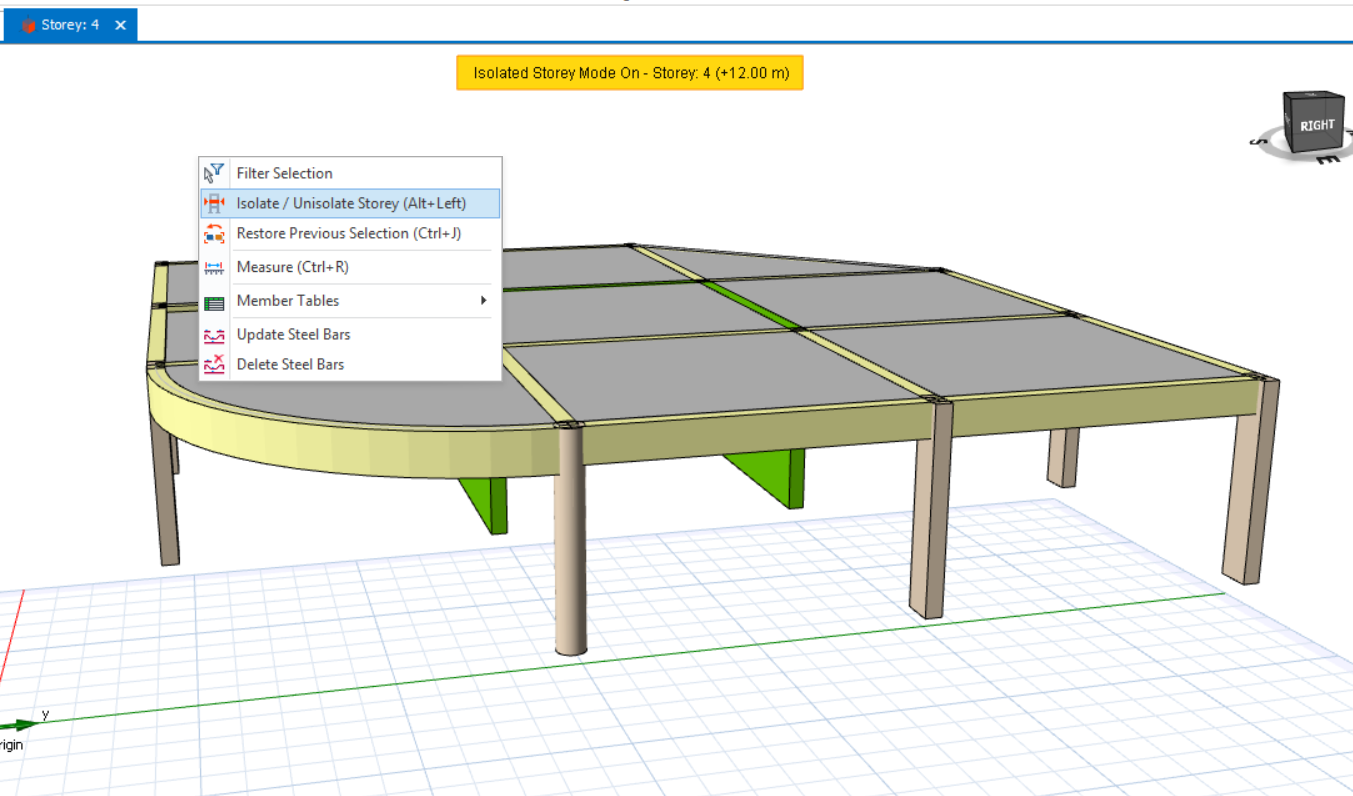
Isolate Unisolate Storey
Users can isolate storey in the 3D view, allowing for clearer visualization of the members on the active storey.
To isolate a storey, right-click anywhere in the 3D view, then select ‘Isolate/Unisolate Storey’. After that, only the active storey will be visible in the 3D view.
Alternatively, user can use the shortcut button of (Alt+Left) to isolate the storey.