

Stiffener Example Psteel 2022
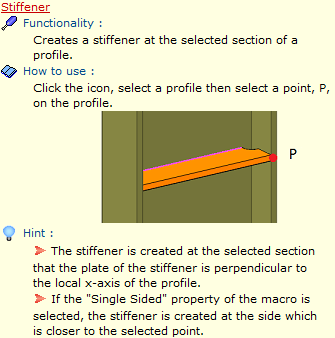
Placing the mouse cursor over the Stiffener under "Detailing" section in Macro Gallery reveal the tooltip describing the scope and steps of this macro.
How to use:
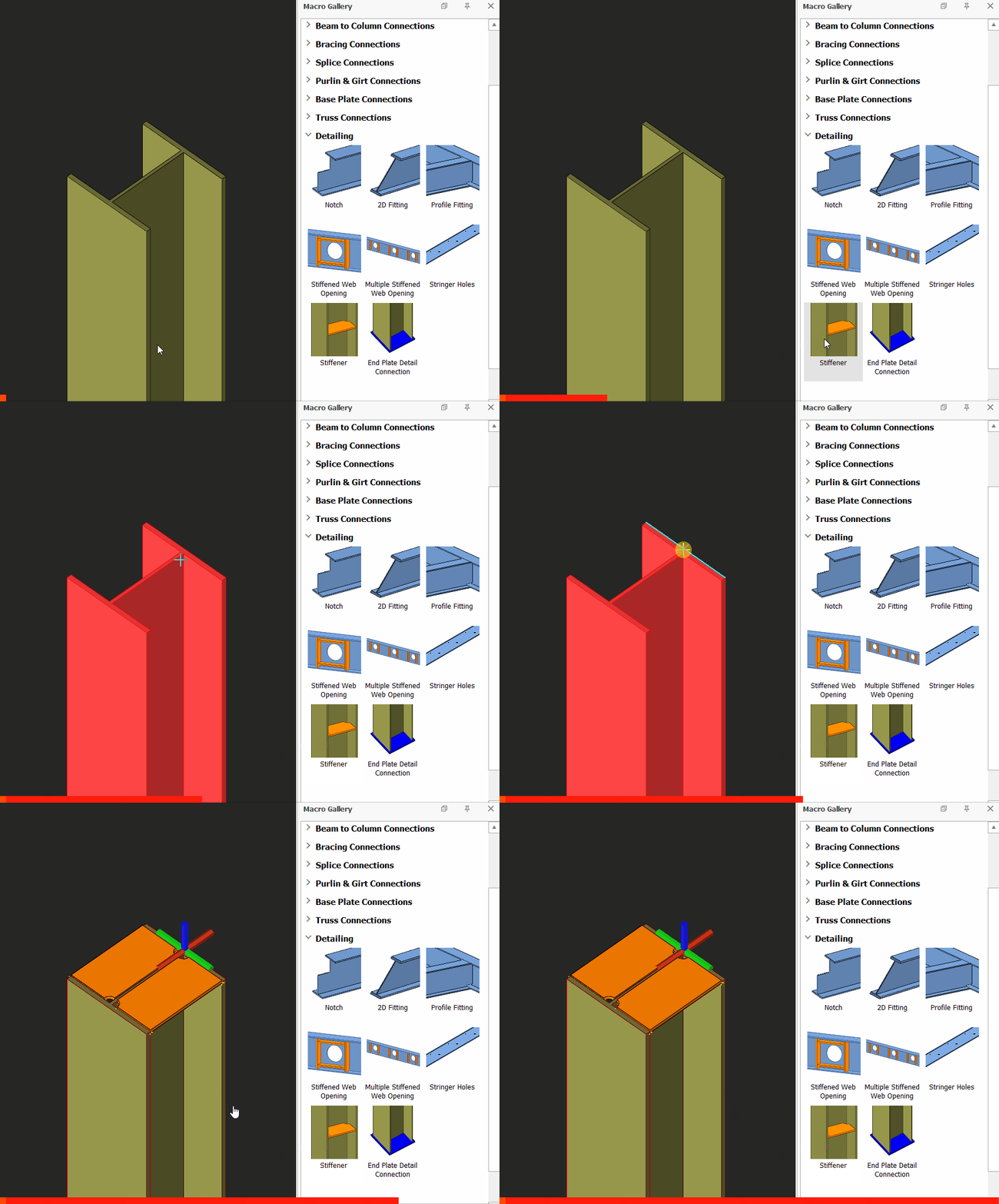
- Pick Stiffener icon

- Pick a profile (i.e. Column)
- Select the point where the stiffener should be located.
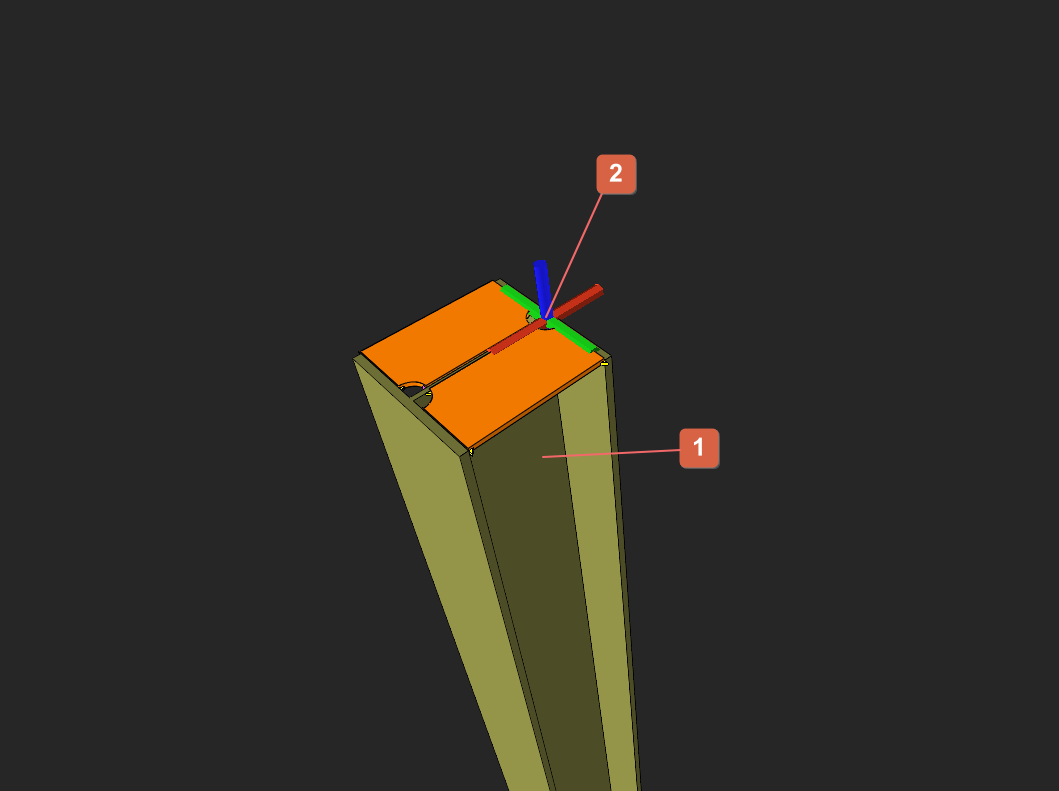
- The stiffener will be generated.

- Create the most appropriate View firs before creating the connection. The same view & orientation will be used to produce the drawings. Click this topic for more details: Creating Views
- Press F9 on the joint to set the point of interest. The view will then rotate about the point of interest.